
Key Points
- Before any match, you get to build a Trampler by using the preexisting blueprints or building from scratch.
- During the preparation round before loading a match, move the cannons and Energy Rods from the inventory to the ship’s storage to equip them later on.
- You need to find repair kits in the overworld to help repair the Trampler from time to time.
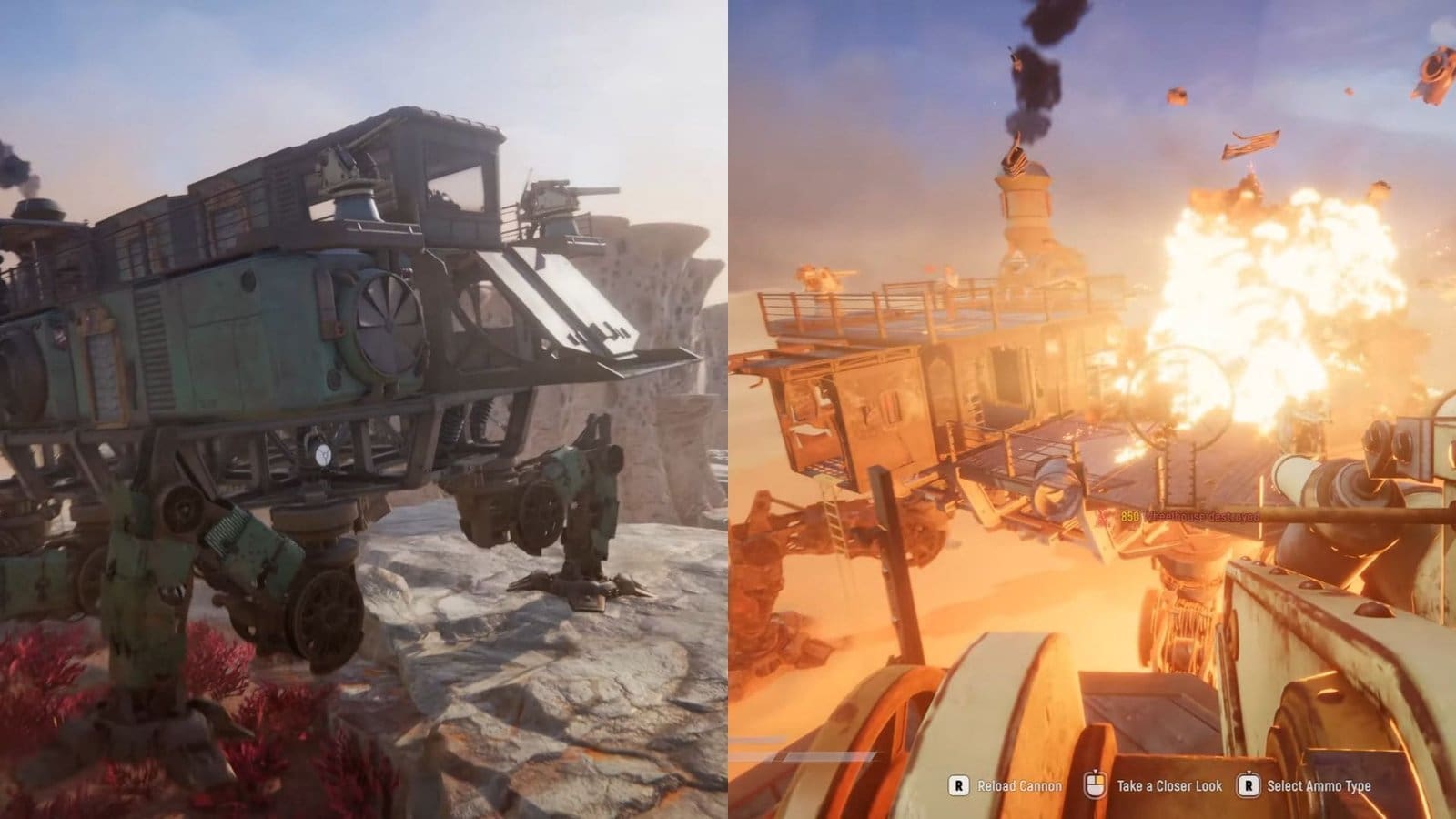
In Sand: Raiders of Sophie, you can’t scale the vast desert terrain on foot alone. That’s where the Trampler comes in, and you can customize your Trampler before starting a match. After loading in, you need to learn how to navigate the land using the Trampler, as well as how to maintain your ship.
Read More: SAND Raiders of Sophie – How to Steal Enemy Bases
SAND: Raiders of Sophie – Trampler Overview
| Refueling requirement | NZ MK2 Energy Rods |
| Repairing requirement | Multitool/ Repair Kit |
| How to get | Scavenging ships and loot areas, obtained from Ironclad loot |
How to Operate the Trampler
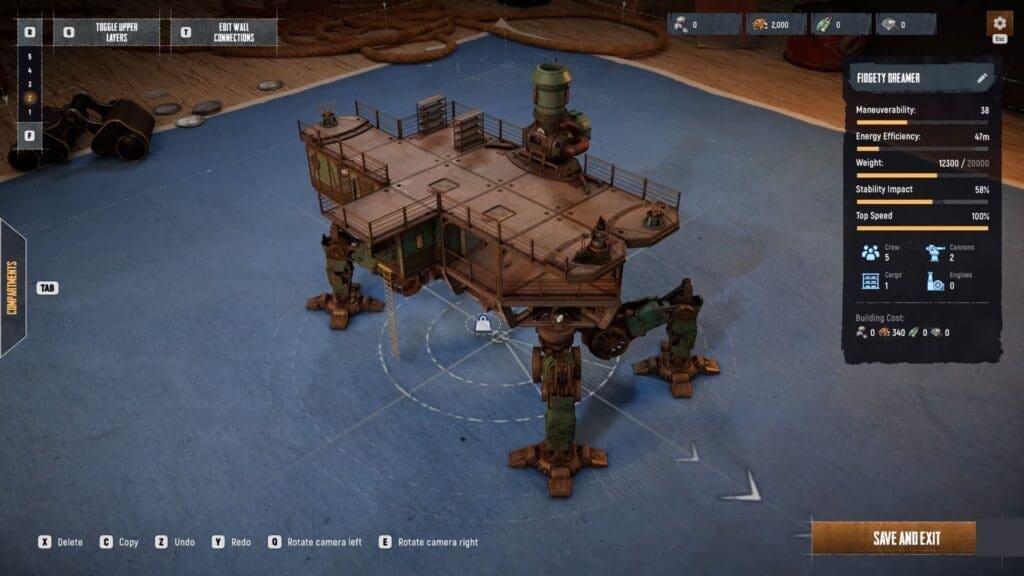
The Trampler will be your main mode of transport while navigating Sophie. So it makes sense that you need to get your Trampler build ready before loading into the game. Luckily, you do get some preset blueprints to choose from. And with that, you can add attachments to make it sturdy enough to face the unknown.
After starting a match, you will find yourself in the desert with your Trampler. Use the ladder to climb all the way up to the top floor. Look around to find the Reactor and power it up using the interact button. Right beside the reactor is the steering wheel. Walk up to it and interact with it to start maneuvering the ship. Below is the control list to help you move your ship around.
| Action | Keyboard | Controller |
| Movement | W – Forward A – Left S – Reverse D – Right Double tap the above keys to increase the movement speed. | Left stick – tilt forward to move ahead, backwards to reverse, and sideways to move left and right. Double tap the joystick to increase the movement speed. |
| Brake | Spacebar | B (Xbox) / O (PS) |
| Sidestepping | Q – Sidestep to the leftE – Sidestep to the right | LB/ L1 – Sidestep to the leftRB/ L2 – Sidestep to the right |
| Lights | G Key | X (Xbox) / Square (PS) |
How to Add Cannons
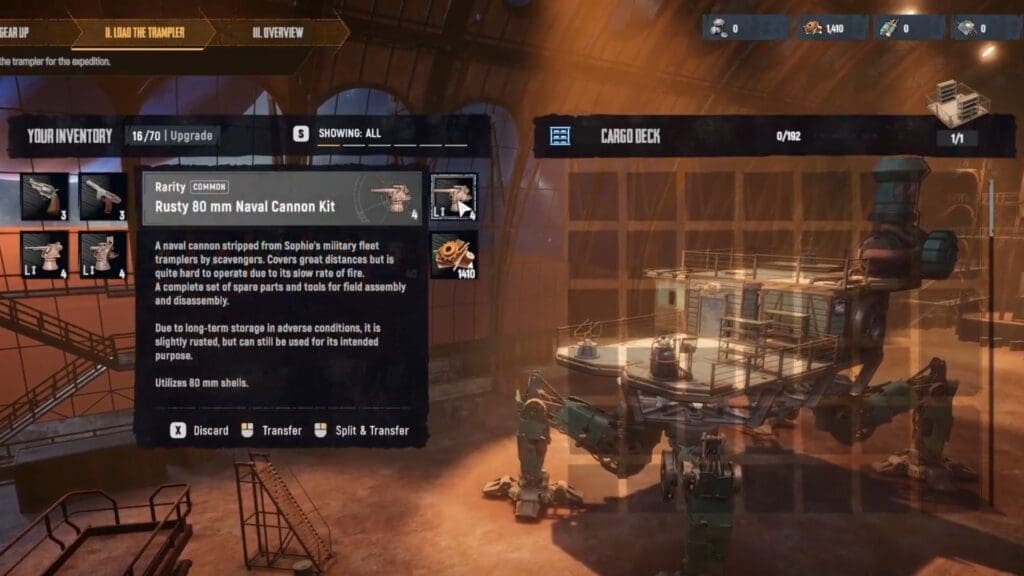
You need to add a couple of cannons to your Trampler to help with attack and defense. You would find some basic cannons in your inventory already, but you need to attach them to your ship to use them. Click on the Plan Expedition option at the bottom of the main menu, then scroll to the Load the Trampler tab. Select the preexisting cannons or any newly built cannons from the inventory on the left.
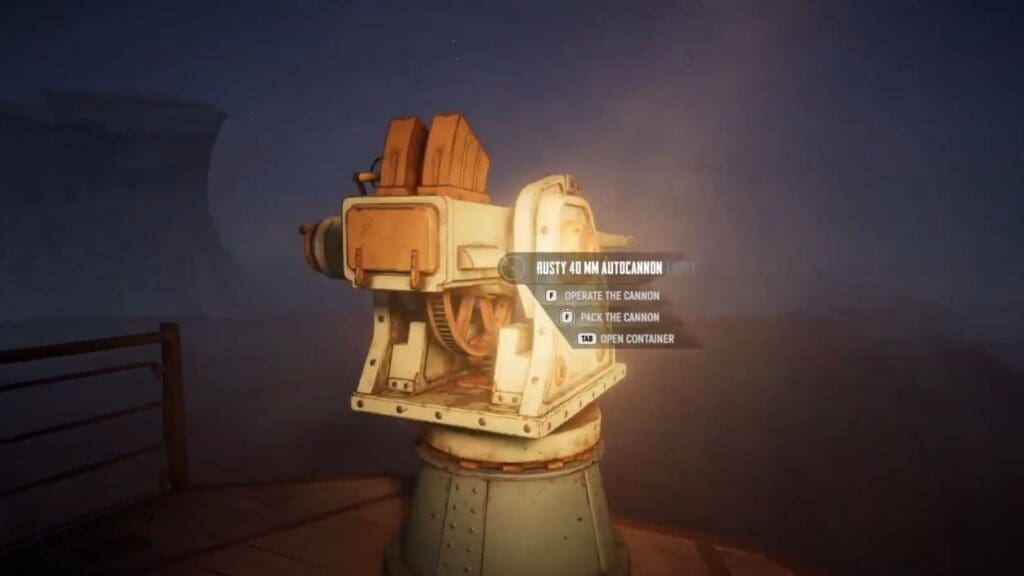
This will add them to the ship’s storage on the right. You can also add other essential items like canned food, ammo, and weapons. Load the match and make your way up the ladder of your Trampler after loading in. You will find a shelf with several boxes that contain your items from storage. Pick up the box that has the cannon, then make your way to the empty cannon slot at the end of the ship floor.
Interact with the cannon slot to add the cannon. After mounting it, interact with it to add the required ammo by selecting the Pack the Cannon option. You are now free to operate the cannon and bring down enemy ships.
How to Repair Tramplers
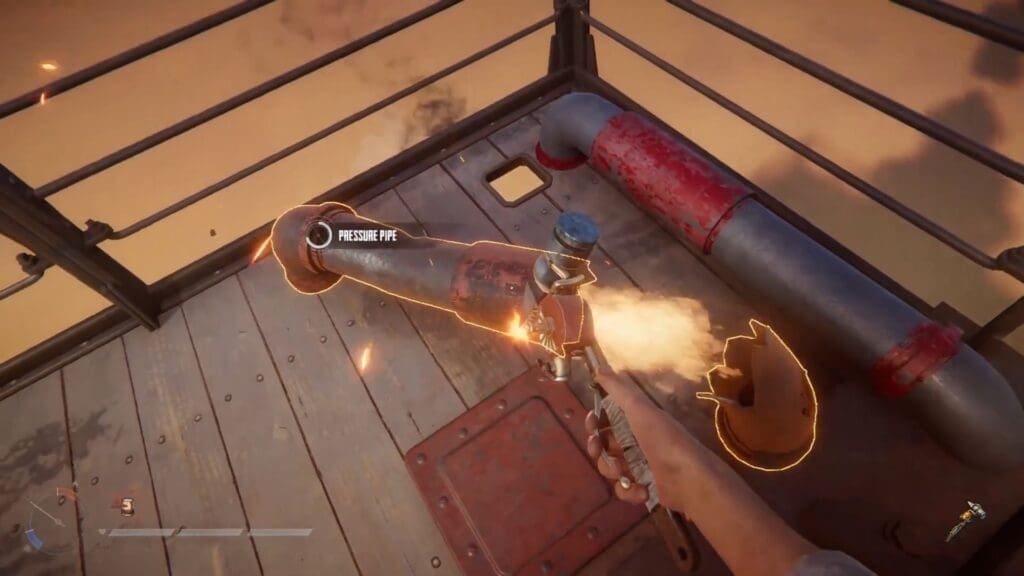
You can find repair kits while raiding abandoned ships or on enemy ships. You might need to scavenge several loot locations before you get your hands on the repairing tools. There are two types of repair tools: you have the basic one-handed multitool for smaller repairs, and the larger two-handed repair kit for large-scale repairs.
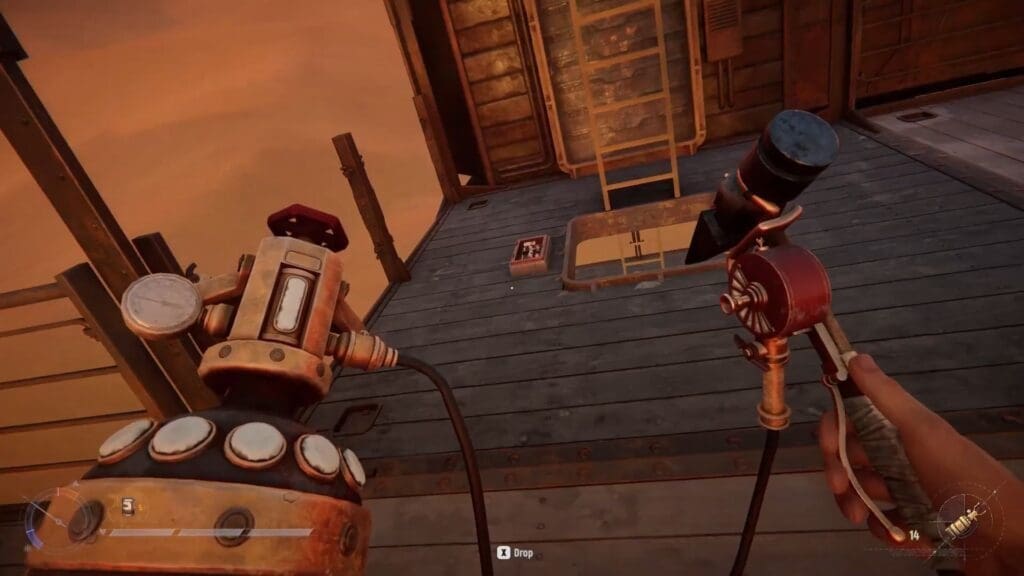
While smaller kits are found in abundance, the larger kits are a bit rarer to find. I had some luck finding the repair kit while looting the robotic Ironclad enemies. To use the multitool or repair kit, equip it by pressing Tab and get close to the site of repair. Make sure your reactor is shut down first before starting repairs.
You will get an interact button to use the repair kit. Stand still while the site is being repaired, which is indicated by the circular progress icon. If the damaged site is left as is, then your ship will break down over time. It is best to keep a check on your Trampler from time to time by inspecting the ship for any fire or sparks, especially after battle.
How to Refuel Tramplers
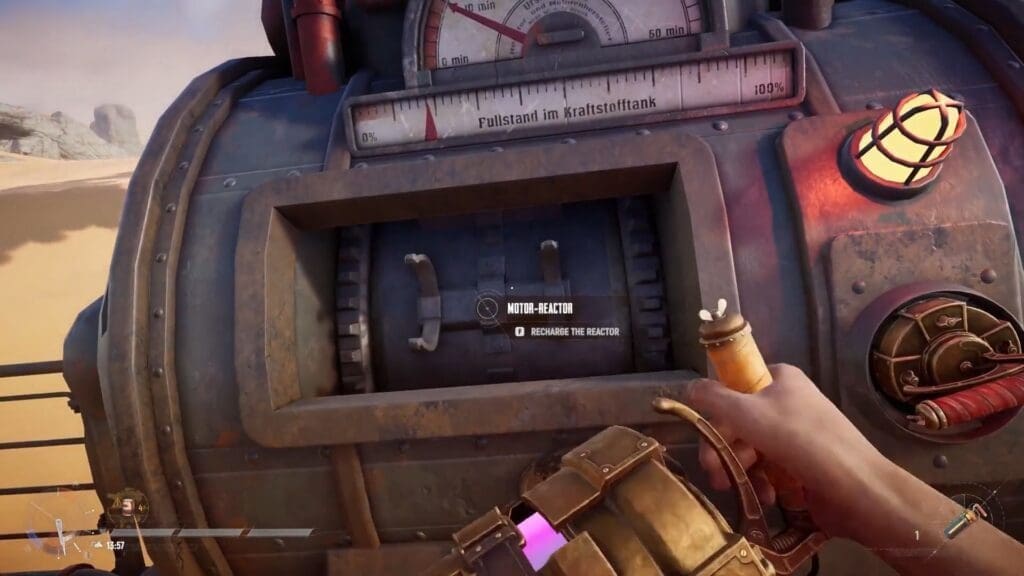
At the start of a new game, you will be given 5x NZ MK2 Energy Rods. You need to keep these rods in your ship’s cargo before starting a match. After turning on the reactor, your ship will be powered on. But this power is only temporary, as you will find yourself running out of fuel rather quickly. To refuel the reactor, pick up the Energy Rods from the storage shelf on the ship and equip them.
Make your way to the reactor and add the rods into the empty slot near the main switch. Your reactor will instantly power up and start moving again. Keep checking the fuel gauge next to the steering wheel to know how much fuel you got left. You can purchase more Energy Rods from the trader or find them while scavenging. Again, I had a better time looting Ironclad enemy for Energy Rods.
FAQs
Can I custom-build my Trampler?
Yes, you can create a whole new Trampler instead of using the existing blueprints during the creation process. You can also edit an existing blueprint to suit your taste.
Can I make do without a Trampler?
You will always be loaded into a match with a Trampler. Whether you wish to use it or not is entirely up to you, but it is recommended to use one.
How do I man the cannons and maneuver the Trampler at the same time?
After interacting with the Trampler wheel and setting the ship in motion, you can exit the wheel and move around while the ship continues to move in the specified direction.
