Close Menu

    Subscribe to Updates

    Get the latest creative news from FooBar about art, design and business.

    What's Hot

    Forza Horizon 6 – How to Get Motor, Battery, & Supercharger DSC & CSC Car Upgrades​

    May 22, 2026

    Forza Horizon 6 – How to Find Sky Lanterns, Water Lanterns, Kite, and Tanabata Streamers

    May 22, 2026

    Forza Horizon 6 – How to Complete the Horizon Kaido Trailblazer

    May 22, 2026
    Facebook X (Twitter) Instagram
    TheGamesWatchTheGamesWatch
    • Guides
    • Features
    TheGamesWatchTheGamesWatch
    Home»Guides»Thick As Thieves – How to Play Co-Op
    Guides

    Thick As Thieves – How to Play Co-Op

    By Kirthana KMay 21, 2026Updated:May 21, 20263 Mins Read

    ​Key Points​

    • Two-player co-op is supported in the game.
    • To start co-op play, all you need to do is start a mission and send your friend an invite.
    • To stop co-op play, you or your friend can log out of the mission anytime.

    Everything’s better with friends, and in Thick as Thieves, you too can ask a friend to join you. There are a few steps involved before you can do that, so you need to tweak the game’s settings before you can add someone to your two-player team.​

    Read More: Thick as Thieves – How to Get the Vault Keys

    Thick as Thieves – Co-Op Multiplayer Overview​

    Co-op availabilityYes
    TypeOnline only
    Max number of players2

    ​Co-Op Multiplayer Guide​

    Image via TheGamesWatch

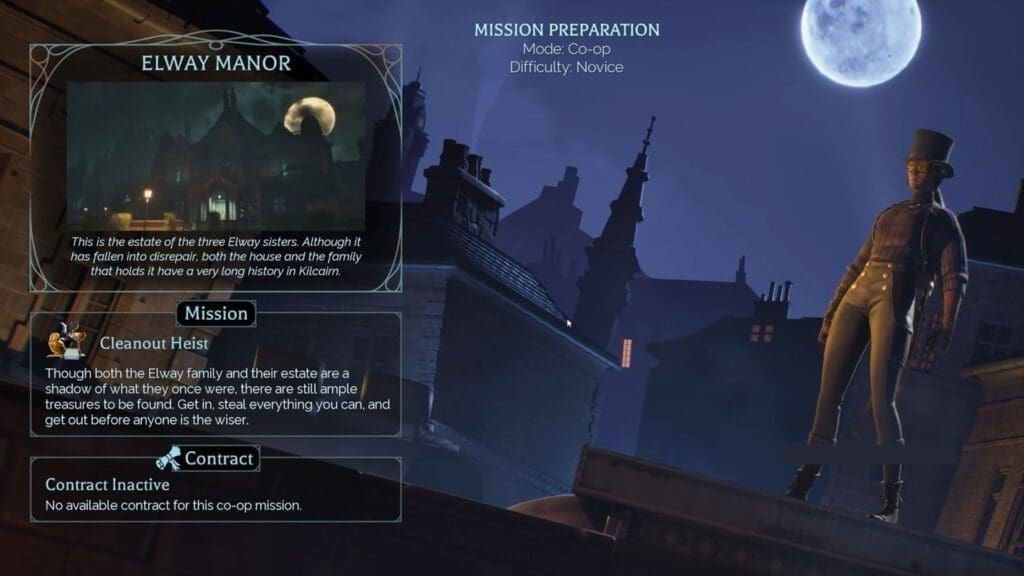
    Thick as Thieves does support co-op multiplayer, but there are a few steps involved before you can jump in with your friends. It took me a while to figure out how to let my friends join my game so I could seek their help with some of the tasks. This led me to tweak the game’s settings until I could send out invites for multiplayer gameplay. ​

    Before you begin, you should keep in mind that you can invite just one friend at a time to play alongside you. Also, couch co-op is not supported, so you and your friend will require an active online network connection to start playing. Once ready, follow the steps below to unleash co-op multiplayer.​

    • Launch the game and enter the Thieves Den in the main menu.
    • Over here, select any of the recommended missions.
    • After that, you can either use the invite feature in Steam or use the in-game invite to add a friend.
    • If you wish to invite players via Steam, head into your Steam profile, select the player, and then select the game to send them an invite.
    • Once your friend has accepted the invite, start the heist. You will find both your username and your friend’s username in the top-right corner of the screen.

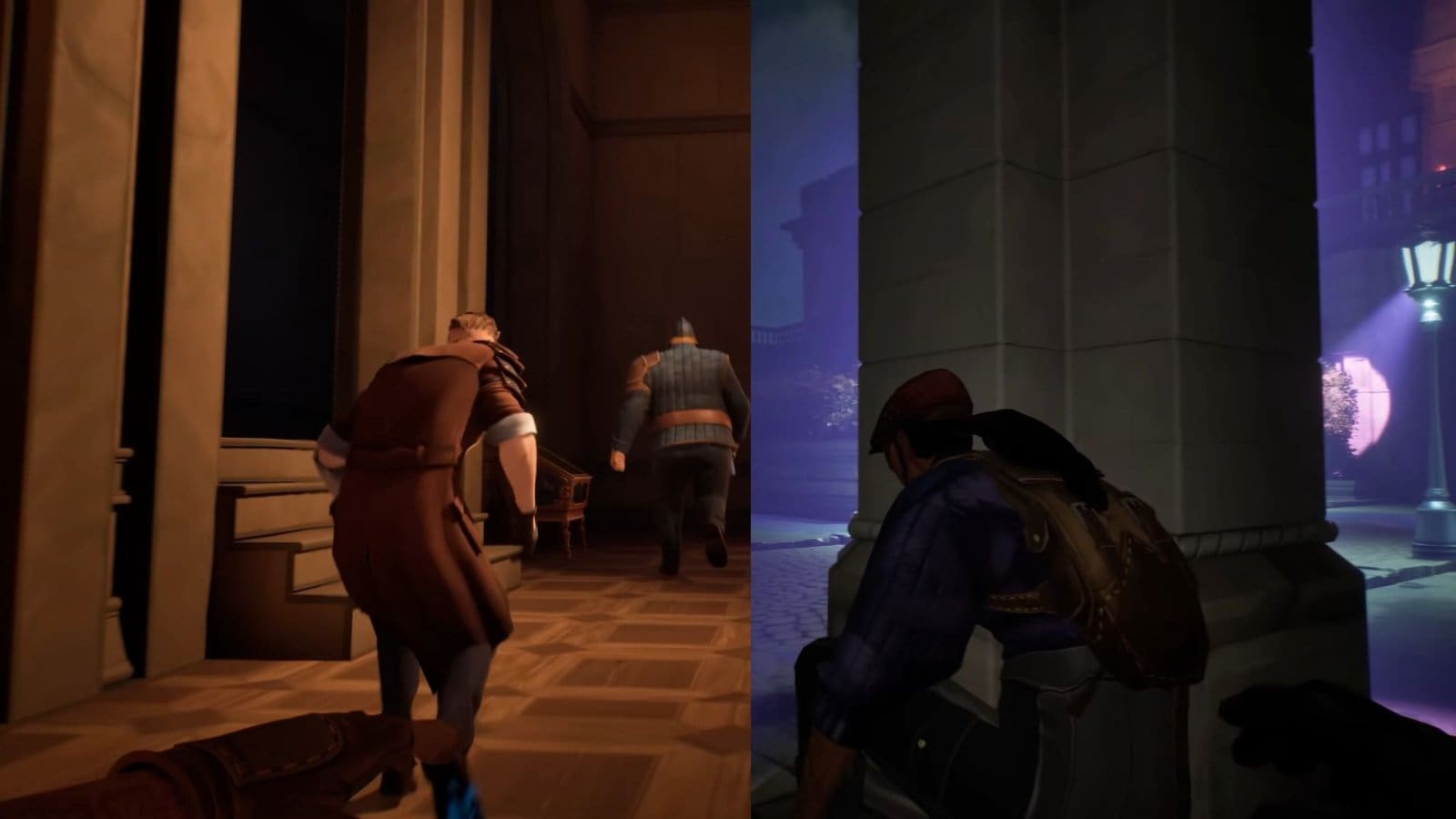
    After you and your friend have loaded into a mission, you get to play the same mission together and pick up loot while completing objectives. To leave the current mission, all you or your friend needs to do is quit the game normally to log out. This will revert your gameplay to solo mode unless you choose to play co-op again. While in co-op, you can scrutinize your friend’s activities, and they can do the same within the same mission.​

    FAQs​

    Is there a split screen while playing co-op?​

    No, you and your friend will be playing together on the same screen, and you can view each other through this. ​

    Can I connect with my friends through LAN?​

    No, you can only connect with your friends online and not through LAN or system linking.​

    How do I invite more friends to play the game?​

    Currently, you can only invite one player to join your party, and there are no indicators of that changing anytime soon. The only way to invite more players is if you have mods installed for your game.

    Thick As Thieves
    Share. Facebook Twitter Bluesky Reddit WhatsApp Copy Link
    Avatar photo
    Kirthana K
    • Website
    • LinkedIn

    Her lifelong passion of gaming led her to writing about them, bringing words to life and compiling comprehensive game guides that are quick and easy to follow. If not writing, you can catch her exploring Teyvat or the Palpagos Islands.

    Related Posts

    Forza Horizon 6 – How to Get Motor, Battery, & Supercharger DSC & CSC Car Upgrades​

    May 22, 2026

    Forza Horizon 6 – How to Find Sky Lanterns, Water Lanterns, Kite, and Tanabata Streamers

    May 22, 2026

    Forza Horizon 6 – How to Complete the Horizon Kaido Trailblazer

    May 22, 2026

    Thick as Thieves – How to Get the Vault Keys

    May 21, 2026

    Dwarf Eats Mountain – How to Use the Insatiable Guzzler

    May 21, 2026

    LEGO Batman: Legacy of the Dark Knight – How to Get to the Batcave in Batcave Zone

    May 20, 2026
    EDITOR'S PICKS

    Forza Horizon 6 – How to Get Motor, Battery, & Supercharger DSC & CSC Car Upgrades​

    May 22, 2026

    Forza Horizon 6 – How to Find Sky Lanterns, Water Lanterns, Kite, and Tanabata Streamers

    May 22, 2026

    Forza Horizon 6 – How to Complete the Horizon Kaido Trailblazer

    May 22, 2026

    Thick as Thieves – How to Get the Vault Keys

    May 21, 2026
    DON'T MISS
    Guides

    Esoteric Ebb – How to Speak to the Dead

    Kirthana K
    Guides

    RE9 – Care Center Lighter Location

    Kirthana K
    Guides

    Where Winds Meet 1.5 – How to Join the Raging Tides Sect

    Kirthana K
    Guides

    ARC Raiders – Shoring Up Defenses Quest Guide

    Jordan Blake
    Guides

    Keeper – Liminal Gate Puzzle Guide

    Santosh Panda
    Guides

    Gray Zone Warfare 0.4 – Tier 3 Buried Cache Locations for ATM Hacking Tool

    Sagnik Adhikary
    Guides

    Heartopia – The Complete Rainbow Event Guide

    Amar Deogaonkar
    Guides

    NTE – How to Get the Voice of the Nightmare Ending in Nameless Hospital Anomaly Quest

    Kirthana K
    Guides

    Early Essential Tips to Help You Survive in HumanitZ

    Santosh Panda
    Guides

    Windrose – How To Skip Time

    Jordan Blake
    © 2026 TheGamesWatch
    • Home
    • Our Authors
    • About Us
    • Privacy Policy

    Type above and press Enter to search. Press Esc to cancel.

    We use cookies to ensure that we give you the best experience on our website. If you continue to use this site we will assume that you are happy with it.