
Key Points
- Your own home will have the edit feature to change or add items in your home.
- To change a character’s home, you need to increase their friendship level.
- You can also move characters to different homes as long as you have created new homes on the island.
You and your friends can now be homeowners in Hello Kitty Island Adventure 3.0. Besides building homes, you can customize homes for you and your friends and add different decor items for each home you have built. Plus, if you don’t like the decor anymore, you can always redecorate or even move your friends to other homes within their preferred region.
Read More: How to Craft Pocket Room in Hello Kitty Island Adventure
Hello Kitty Island Adventure – How to Customize Player Home
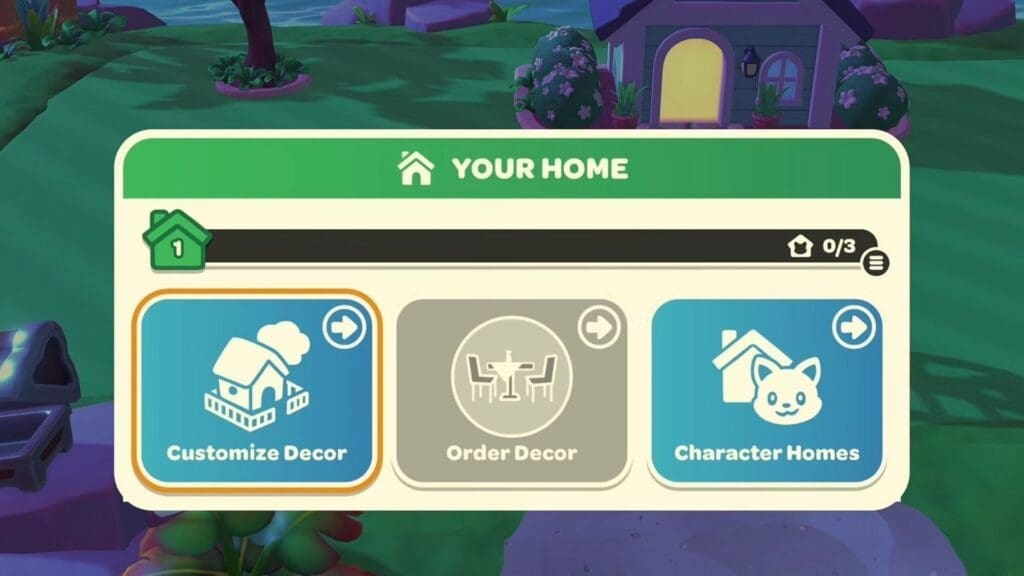
To customize your own home, interact with the mailbox to get three options: Customize Decor, Order Decor, and Character Homes. By selecting the Customize Decor option, you can customize the external walls and roof of your home by adding any color from the available color palette. Changing the color requires materials like dye, so make sure you have some in stock.
After upgrading your home to level 3, you can also add extra furniture items. You can upgrade and unlock new items for your home by building character homes for the other friends on the island. So far, there are 4 home level upgrades, and you can check out what each upgrade does and how far along you are by interacting with the mailbox.
How to Customize Friends’ Homes
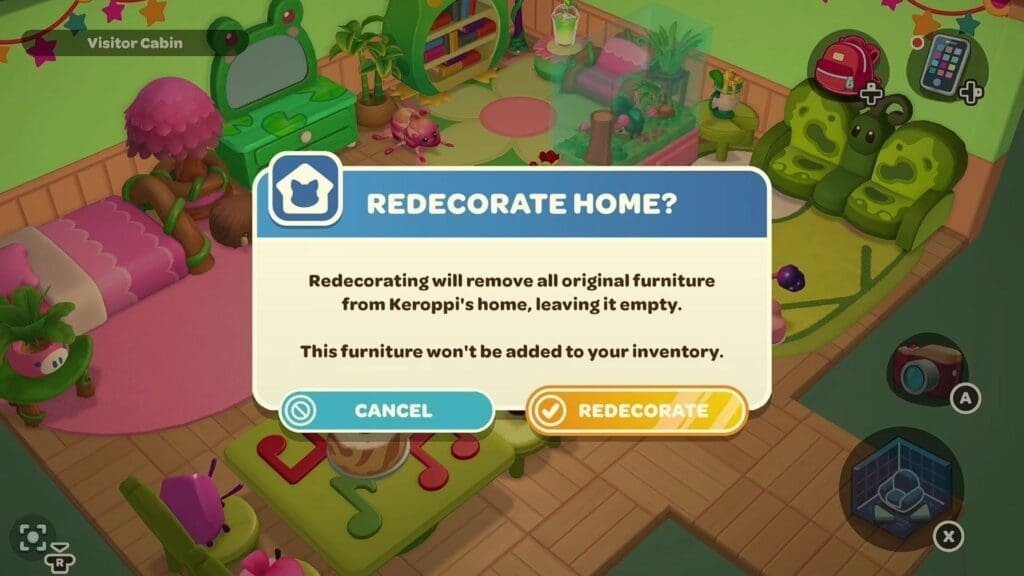
Before you can start fixing up the homes of all your island friends, you need to increase your friendship level with them first. This can be done by gifting them items that they like and helping them build their first homes. When you check each friend’s friendship level, it will explain when the option to customize houses will appear. You can change the interior and exterior of their homes, but do remember, there’s no option to move furniture around.
The only option you have that allows you to redecorate your friend’s homes is to remove all the furniture and start over from scratch. But all the furniture removed from their home will not go into anyone’s inventory, including yours. You will get a notification about it if you plan to redecorate someone’s home so you can make an informed choice here.
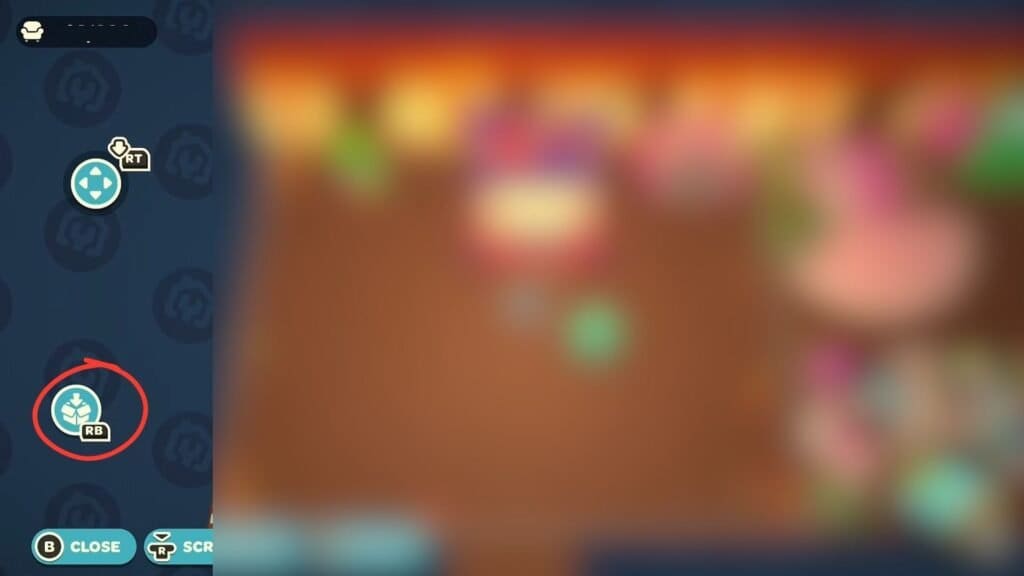
You can then head over to the decorating mode and choose an existing layout or create one from scratch. Any furniture used here will be furniture you own in your inventory, as these won’t be included in any floor plan. If you wish to revert to your original design, click on the box icon on the left side of the screen while in Decor mode to get two options: Clear Decor and Restore Original. Restoring the original layout will bring back everything as it was previously.
How to Relocate Friend’s Homes
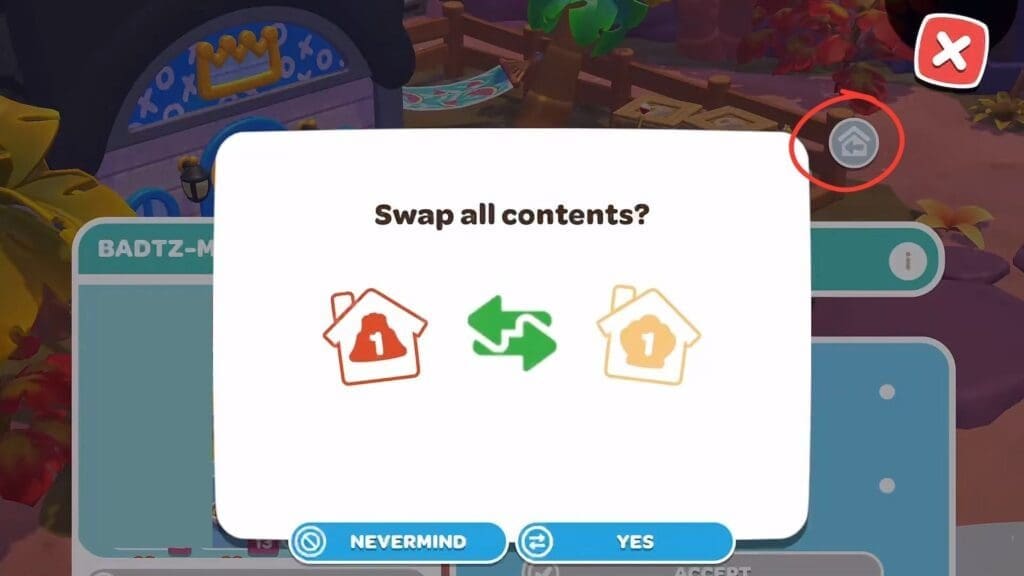
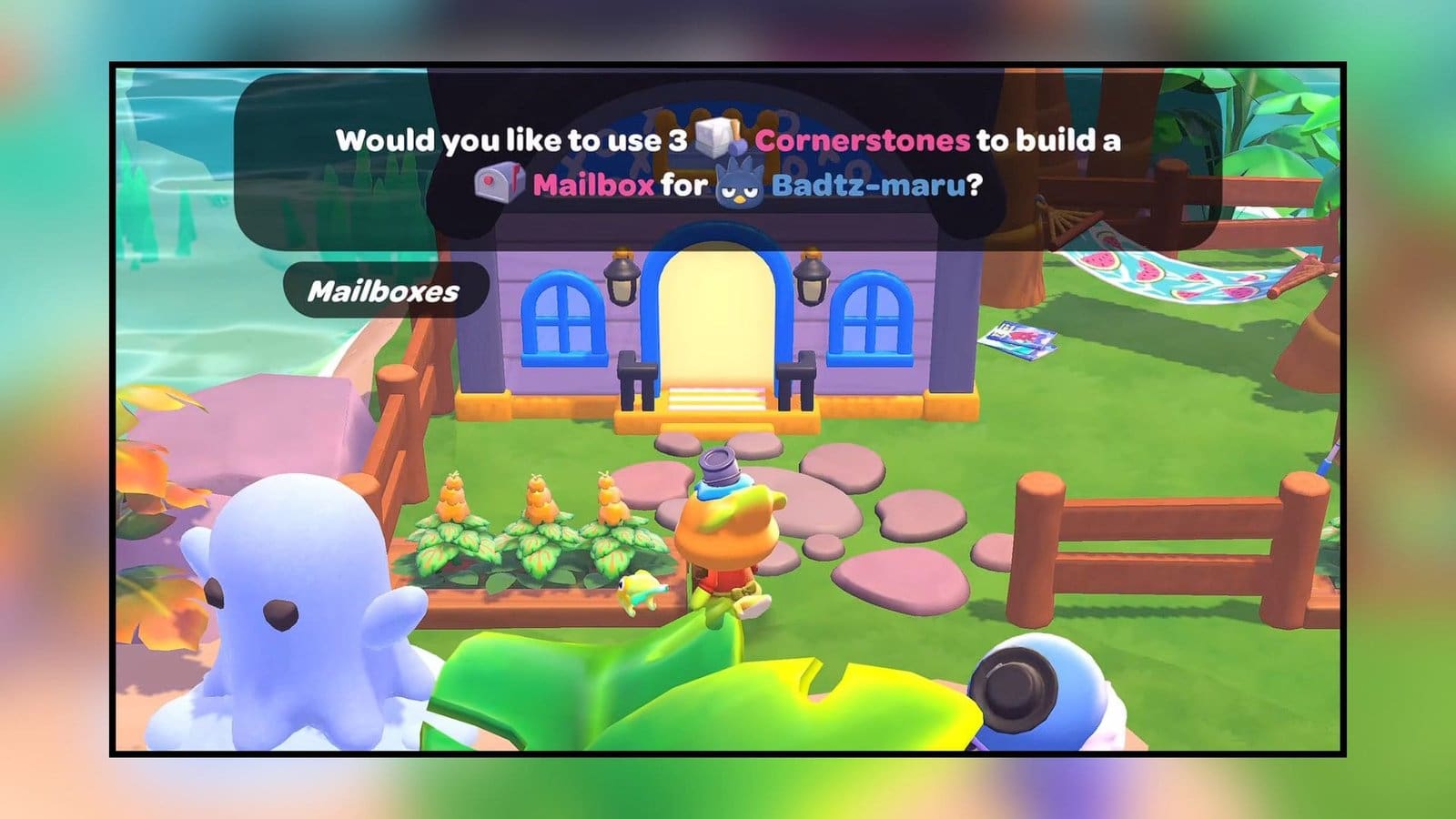
When interacting with a character’s mailbox, you can select the Home icon with a backward arrow at the top right of the screen. You will get a list of all the homes you have built so far, and you can select a new home that you wish your character to move into.
Your characters will only move into the homes within the region that they prefer, and they won’t shift to other regions. If a character already resides in the home of your choosing, you can still select it, and both characters from both houses will switch places instead. Do remember that new homes do require a mailbox so they can move their stuff from one home to another and unlock the relocate option too.
FAQs
Can I move my own home too?
Currently, there are no options to switch homes, so your only choices are between your cabin and your new home.
Why can’t I shift my friends to other houses?
You should have houses available in the region that the character would like to move into so that they will shift houses.
Do I need to build mailboxes for everyone?
It is preferred to build mailboxes for every home on the island, but if you are short on cornerstones, then only build mailboxes for characters who can move to multiple areas, like Cinnamoroll.
