
Key Points
- You need to purchase the Tire Repair Machine to change tires.
- The tire changing machine will help unmount and mount new tires on the car rims.
- You also need to rebalance the new tires before fixing them on the car.
In Car Service Together, you are tasked with repairing your client’s cars and making them brand new. Your tasks will include changing car parts, repairing them, or even giving the car a new paint job. One of the hardest tasks you need to complete is to change a car’s tires. Since there aren’t any clear instructions on how to do that, you could get stuck with this task.
Read More: Car Service Together – How to Paint Cars
Car Service Together – Tire Overview
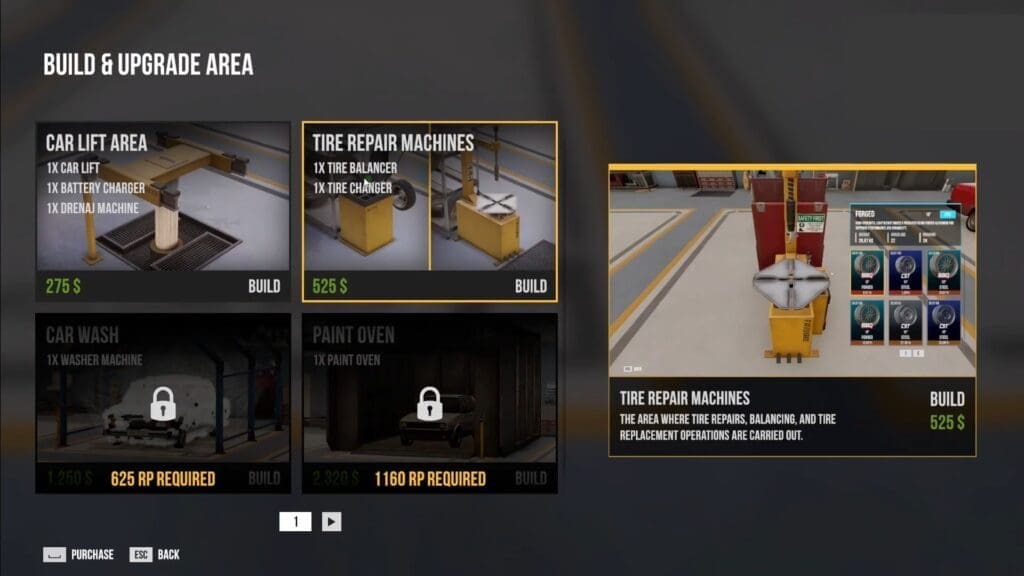
| Required equipment | Tire Repair Machine |
| Required RP | 275 |
| Cost | $525 |
| Use | Unmounts or mounts tires and rebalance new tires |
How to Check for Damaged Tires
- Head over to an empty building area in your garage and select it.
- Within the Build and Upgrade menu, select the Tire Repair Machine.
- This will give you 1x Tire Balancer and 1x Tire Changer.
- Next, purchase the Car Lift Area within the same menu, as this will help you hold your car while you check the tires.
- With this setup, be aware of clients who require tire changes for their vehicles.
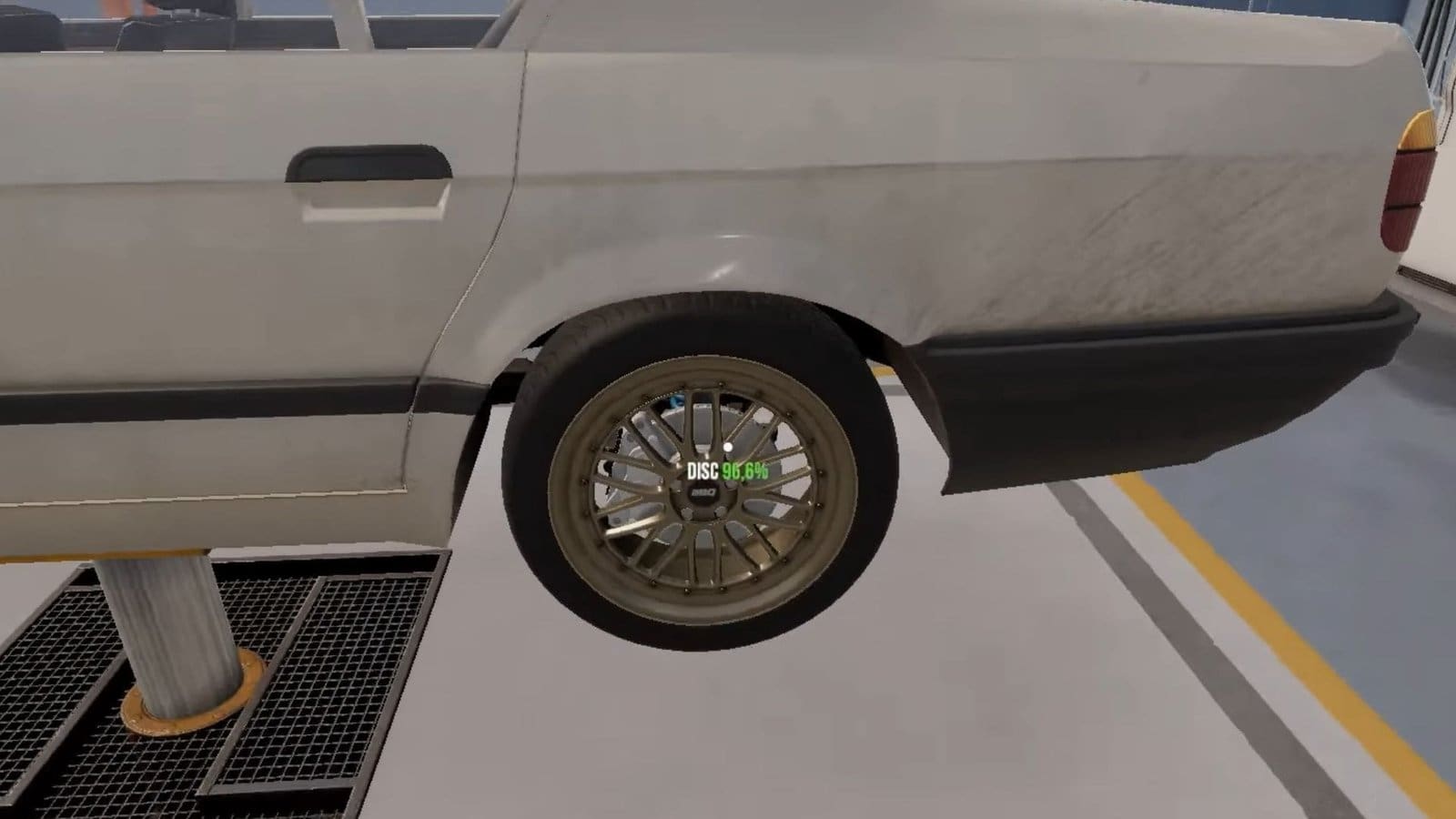
- Mount your car on the Car Lift, then check the tires. Hover your cursor over each tire to check if its indicators are orange or red.
- Usually, tires that are below 50% will require changing out.
Also Read: Car Service Together – How to Set the Hub to 16 Inches
How to Use the Tire Machine
- While hovering the cursor over the tire, check the size of the tire and purchase it from the Car Portal Service. You do not require new rims here.
- Head back to the changing station, then click on the defective tire and unbolt the screws.
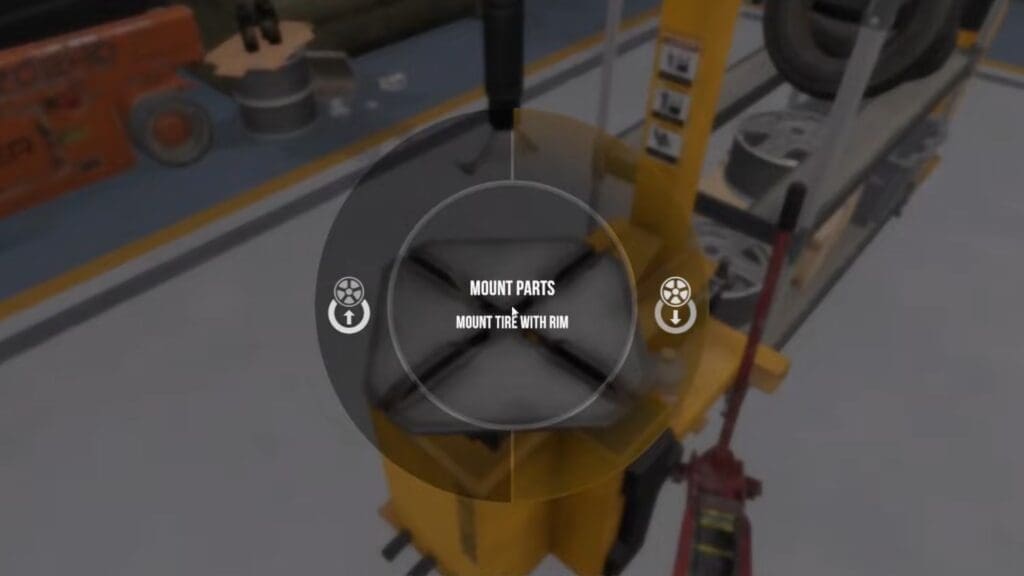
- Next, visit the tire station and click on it, then select the Unmount option and the correct tire part that needs to be removed.
- You need to select the Unmount option repeatedly for each tire that requires changing.
- Once done, click on the tire station again and select the Mount option this time.
- Click on the correct rims and the new tire that needs to be mounted on them. Again, you need to repeat this step for all tires that need remounting.
How to Use the Tire Balancer

- Your next step is to head to the back of the tire-changing machine to use the tire balancer.
- While here, interact with the machine and select the new tire that requires rebalancing.
- Once the machine stops working, check the screen. It will show you a side of the tire that is blinking and requires repairs.
- Press either A or D to spin the wheel around until the blinking spot on the wheel lands under the hammer.
- Press Spacebar to fix the wheel, then continue the process.
- Repeat this step for all remaining tires, then take them back to the car.
How to Fix New Tires
Visit the car and select the empty wheel slot. This will bring up the wheel menu. Select your new wheel and place it within the slot, and screw the bolts to fix it in place. Repeat this step to fix all new tires, which completes the task of changing tires on the car.
FAQs
I have used up all my empty building bays. What do I do now?
You might have to restart the game from scratch to get empty building bays again.
Do I need to purchase a particular tire type?
Unless the client specified it in the request form, the tire type can be anything. You need to pay attention to the tire size only.
How do I get more tire repair slots?
Upgrading your existing tire station will increase the capacity from one tire at a time to two or more.
