
Key Points
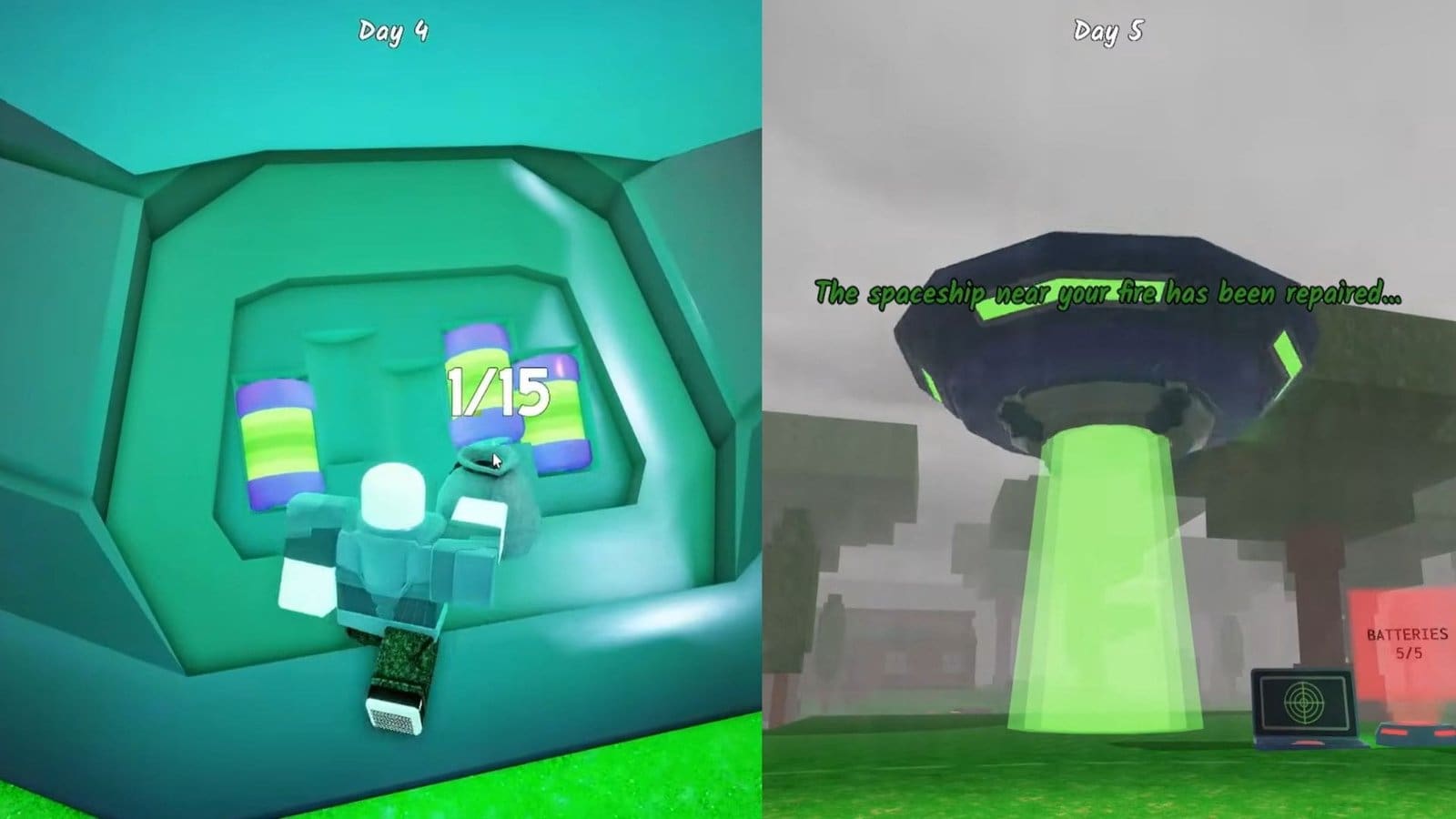
- You need to find 5 alien batteries to repair the UFO and send it back up.
- When checking the scanner beside the UFO, you will get details on where each battery is located.
- After powering up the UFO, you can also use the portal to get inside and find some unique loot.
In 99 Nights in the Forest, besides your usual scary beasts, you will also find some aliens now during the Alien’s Revenge event. There is also a strange, crashed UFO nearby that can be activated after locating and placing batteries into it.
Read More: Fisch – How to Get the Floatie Rod
99 Nights in the Forest – UFO Overview
| Appearance | Day 3 |
| How to activate | Collect 5 batteries |
| Event difficulty | Moderate |
How to Find Batteries
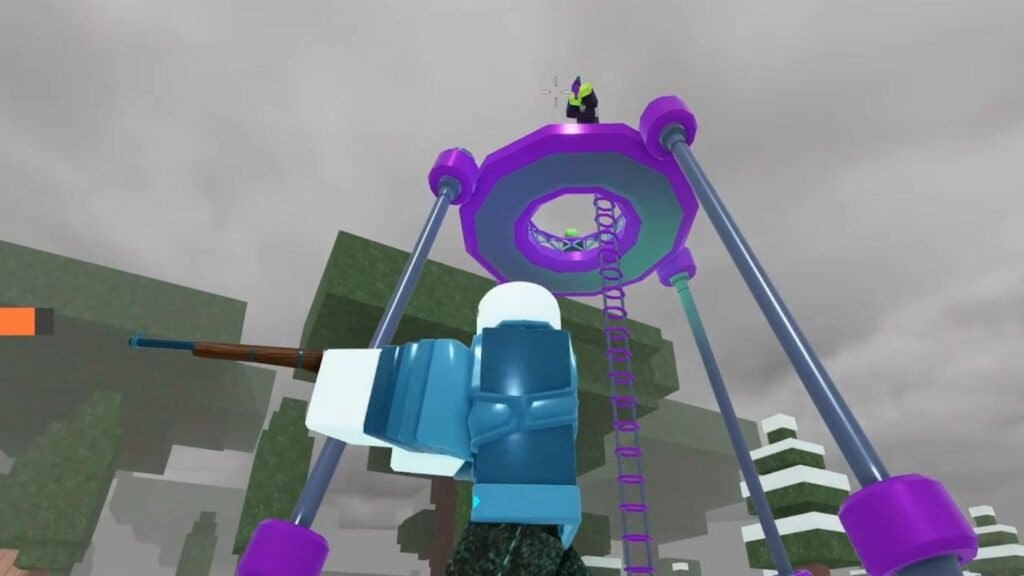
After spending three days in the Forest, you will find a mysterious UFO that has crash-landed somewhere on the map. When you first interact with it, nothing will happen to it. That’s because you need to power it up using alien batteries that only appear around alien-related landmarks. You need to collect 5 batteries to power the UFO up.
If you check the device right beside the UFO, you can unlock the scanner that lets you check out all the nearby alien landmarks. You can return to the scanner anytime to see which locations you have missed. Also, before embarking on your trip, I recommend having an advanced weapon like the Ray Gun, and also several consumables to keep your health up.
Make your way to each of the alien locations and complete the required tasks here. Here is a compilation of what you need to do in each alien location.
- Alien Tower – Shoot down the aliens on top of the tower and climb up to collect the alien battery.
- Alien Site – Kill three aliens and place them on the portal in the middle of the alien site.
- Alien Scanner – Kill an alien and drag its body to the nearby alien scanner to collect a battery.
- Abandoned Alien Structure – Find a strange purple structure that resembles several blocks stacked on top of each other. Check around it to find the battery.
- Alien Lake – Go fishing in the alien lake to pull out the battery.
Activating the UFO
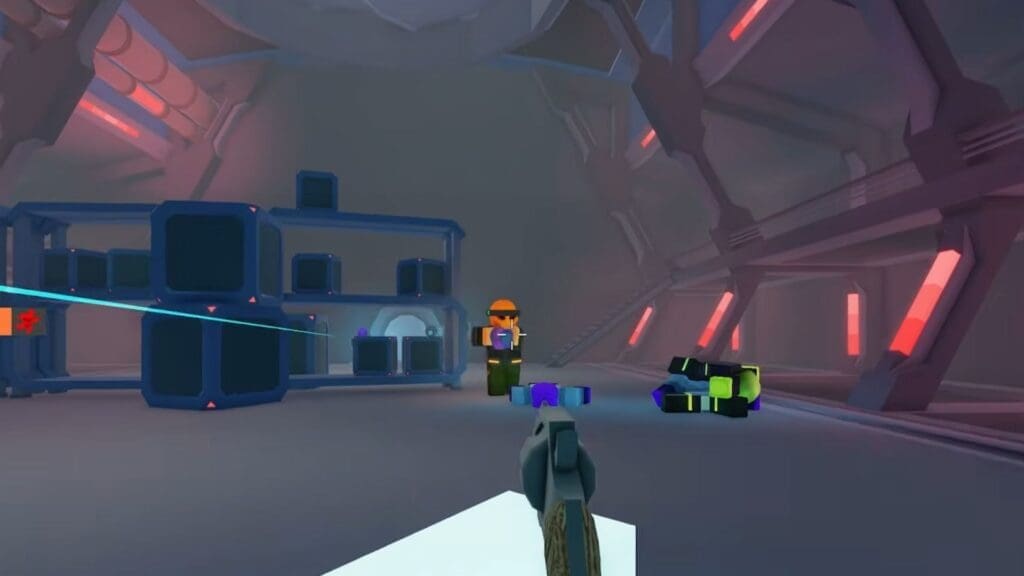
The next task is pretty easy, as you just need to place all the batteries into the slots on the side of the UFO to get it to activate. But there is a lot more to do after that, so before continuing, take the time to create ammo for your weapons and get some medkits too. Then, activate the UFO and ride the portal that leads inside the ship.
Defeat all the aliens on the current floor, then make your way to the door. You need to find the correct alien that will unlock the door by checking out the alien’s face and color right beside the door. Drag the corpse of the alien to the scanner and unlock the next area.
Repeat this process a couple more times until all the aliens are killed and you have uncovered all areas. You will get a chest at the end that will have some unique loot, like alien weapons and blueprints.
Read More: Fisch – How to Get the Starshell Rod
FAQs
The UFO portal doesn’t activate for me. What do I do?
This is a very common bug that doesn’t have any solution for now besides restarting the game.
Can I carry the scanner to help me find all alien landmarks?
No, but you can always return to the scanner and check the map to find all the locations.
Will the alien landmark locations change?
If you have started a new game, then you will get different landmark locations, but the objective will stay the same.
