
Key Points
- The money from your jobs will be deposited into the Bank and withdrawn using the ATM.
- You have to use your Bank Card to withdraw money.
- The Mikropekka computer also allows access to your bank account to view the balance, but not to withdraw.
You will require money for survival, and the only way to store money is in your bank account in My Winter Car. You can also withdraw whatever money you have from the ATM and use it for your everyday needs. But first, you need to have a bank card and an account before you can use the ATM.
My Winter Car ATM Overview
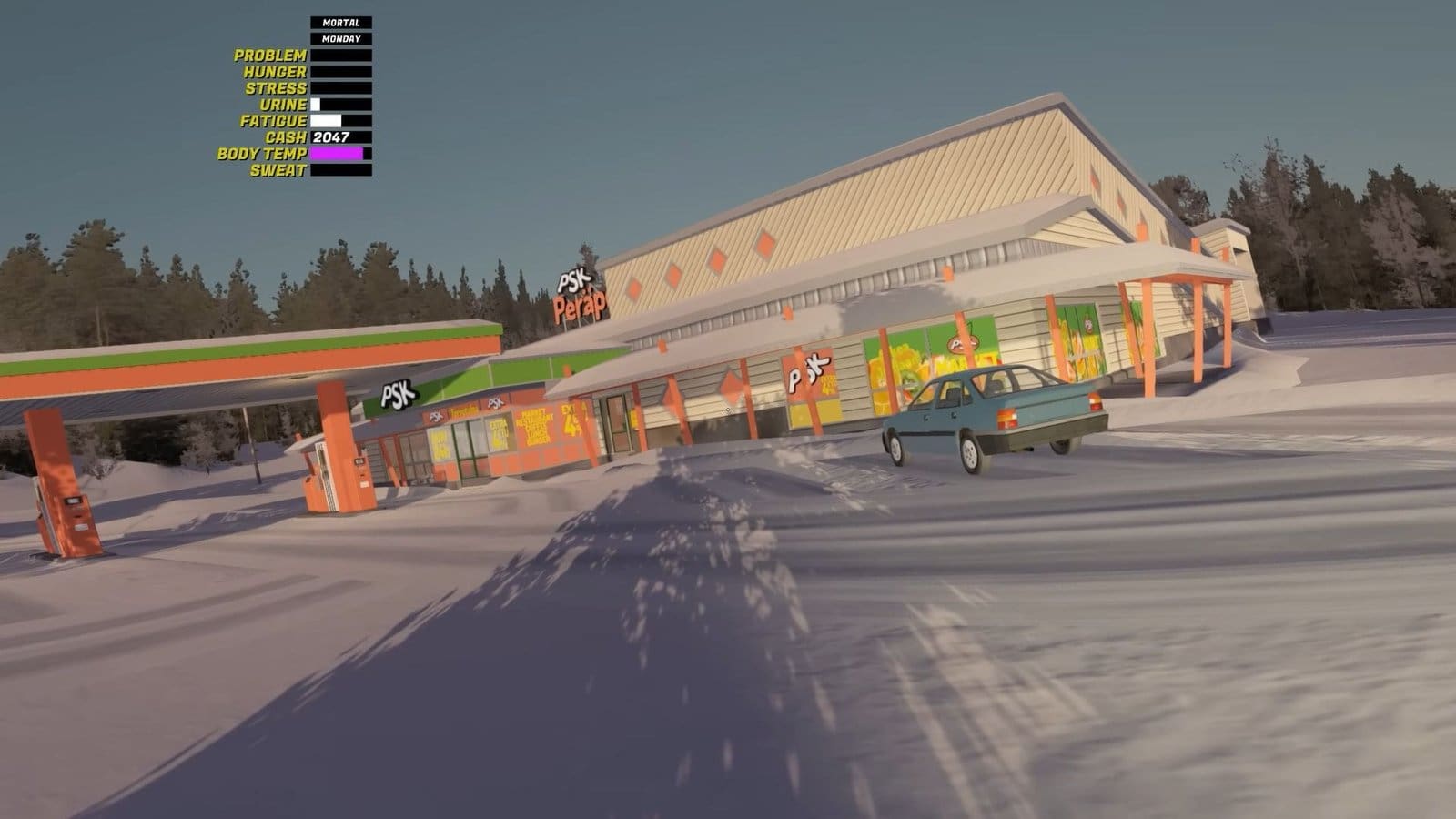
| ATM location | Peräjärvi PSK |
| Interactable | Yes |
| Requirements | Bank Card |
| Uses | Withdraw money |
My Winter Car – How to Get and Use a Bank Account
After starting the game, you will get info about your newly created bank account. Whenever you require money for expenses, especially for buying car parts, you can always visit the ATM and withdraw any amount. That’s only if you have money in your account, and the only way to get a steady income is to get jobs.
I would also suggest keeping a tab of your expenses, so you don’t blow your money on random things before having your car fixed. All money from your jobs will be automatically deposited into this account after a certain time. You can also view your unemployment benefit amount here. You get to view your bank balance whenever you interact with an ATM or if you have access to your computer.
My Winter Car – How to Use the ATM
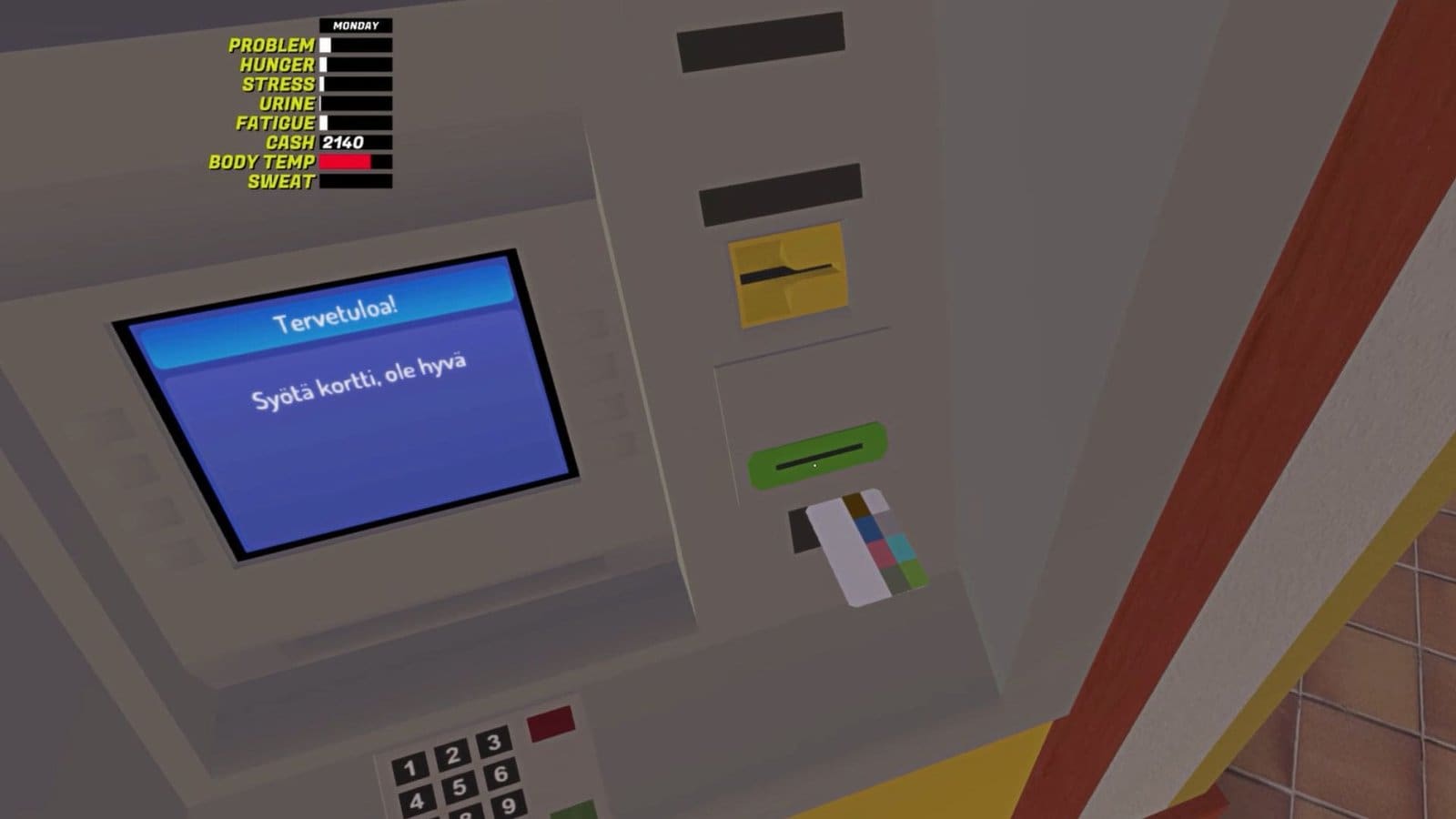
- When you first interact with the ATM at Central Peräjärvi, insert your bank card and set your PIN.
- You get two options: Otto (withdraw) or Tapahtumat (view transactions).
- If choosing Otto, input the amount you wish to receive.
- Next, you get the option to view your withdrawal details.
- Choose Ei Kiitos (No) or Naytölle (Show transaction).
- If you choose Naytolle, the details will appear on the screen.
- Retrieve your card from the machine and collect your cash before leaving.
How to Change Card PIN
There are no options to change your card PIN in-game, so once you pick a PIN number, you need to remember it for the rest of the game. However, you could tweak the local game files to reset your PIN.
- Find your local game files on your system.
- The pathway should look something like this: C:\Users\(your user)\AppData\LocalLow\Amistech\My Winter Car.
- Once here, find and right-click on SaveFile.txt and load it into the MSCEditor.
- Use the filter to find “card” or scroll to find the “creditcardpin” option.
- Input your new values next to it, then save the file and restart your system.
FAQs
When does my money get deposited into the bank?
You get paid every Friday, so check your bank statements on Monday to know your current bank balance.
How do I deposit money into the bank?
So far, there is no option to deposit money into the bank.
What do I use the money for?
You could use the money to pay for items in the game like fuel, food, and more.
How do I pay my rent?
Your money will be auto-debited from your bank to pay your rent.
How do I get paid without a job?
Fill up the Työttömyyslomake form (unemployment form) to receive money from the bank every week or two. This only works if you haven’t been fired and have remained unemployed from the start.
What happens if I forget my card PIN?
You won’t get an option to reset it in-game, but you could tweak the game files on your system. Generic number codes like 0000, 1111, 1234 might work to unlock your card.
