
Close Menu

    Subscribe to Updates

    Get the latest creative news from FooBar about art, design and business.

    What's Hot

    How to Get Jimothy in Guild Wars 2

    August 13, 2026

    How to Complete the Dave the Diver Quest in Luma Island

    August 13, 2026

    Spring Festival Guide In Fields of Mistria

    August 12, 2026
    Facebook X (Twitter) Instagram
    TheGamesWatchTheGamesWatch
    • Guides
    • Features
    • Game Hubs
    TheGamesWatchTheGamesWatch
    Home»Guides»YAPYAP – How to Play Online Co-Op
    Guides

    YAPYAP – How to Play Online Co-Op

    By Kirthana KFebruary 4, 20262 Mins Read

    Key Points

    • The game supports online multiplayer up to 6 people.
    • Unlike most co-op games, the method of joining or hosting lobbies here is different.
    • There are no public lobbies to join.

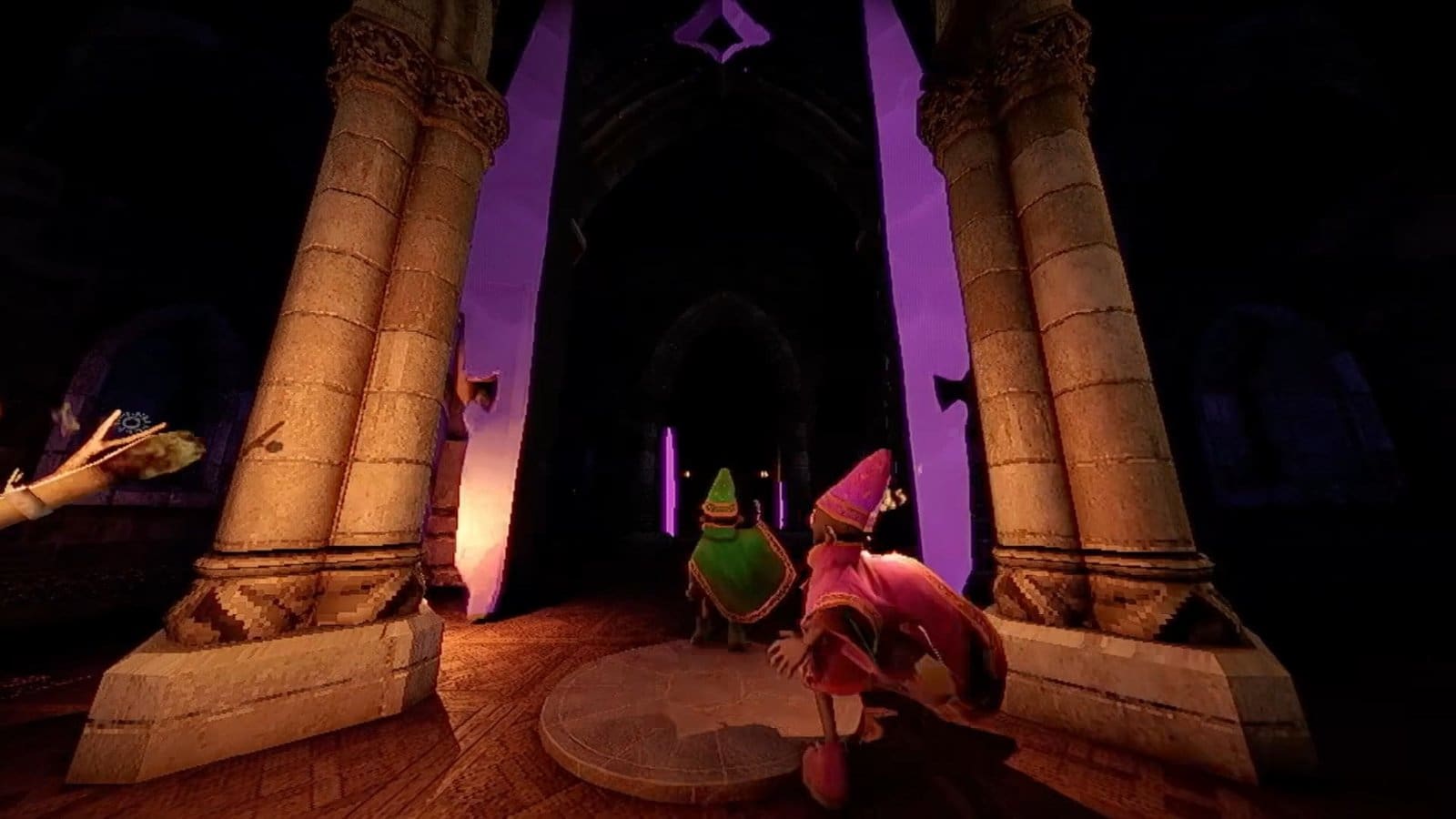
    Like most multiplayer games, YAPYAP is fun with friends. To complete your quota quicker, it is always recommended to team up with someone before jumping in. There are a few features that the game doesn’t properly explain, like how to host or join multiplayer co-op.

    Read More: YAPYAP – How to Revive Friends

    YAPYAP – Multiplayer Overview

    Max players2 – 6
    Public lobbies availableNone
    Multiplayer optionsSteam invite

    How to Host Co-Op Multiplayer

    • After loading into a match, head over to the main hub and interact with the Ponder Orb in front of the entrance.
    • This will bring up a list of friends from your Steam list to send invites to.
    • Select the friends you wish to play with, and they will receive the invite if they check their Steam profile.
    • Another method to try is to press Shift+Tab to bring up the Steam overlay.
    • Right-click to select your friends from the list to invite them.

    How to Join Co-Op Multiplayer

    • To join someone’s lobby, you need to wait for an invite to come through.
    • If you check your Steam profile, you will find an invite if someone has sent it.
    • Make sure that you have exited the main game and closed the game window before accepting the invite.
    • Once done, click on the Play Game option to be taken to your friend’s lobby.
    • In case you are in a game already, just bring up the Steam overlay and right-click on the host’s name to join them.

    FAQs

    Can I play solo?

    Yes, the game supports solo play too, but it would take a bit longer to complete all the goals.

    How do I invite friends from other platforms?

    Right now, there are no options to invite friends from other platforms. You can only play with your Steam friends.

    Why can’t I interact with the Ponder Orb?

    If you are in the middle of a match, then you cannot interact with the Ponder Orb. You need to complete the match or die in the game to be taken to the main hub.

    YAPYAP
    Share. Facebook Twitter Bluesky Reddit WhatsApp Copy Link
    Avatar photo
    Kirthana K
    • Website
    • LinkedIn

    Her lifelong passion of gaming led her to writing about them, bringing words to life and compiling comprehensive game guides that are quick and easy to follow. If not writing, you can catch her exploring Teyvat or the Palpagos Islands.

    Related Posts

    How to Get Jimothy in Guild Wars 2

    August 13, 2026

    How to Complete the Dave the Diver Quest in Luma Island

    August 13, 2026

    Spring Festival Guide In Fields of Mistria

    August 12, 2026

    Everything New at the Sleeping Dragon Inn in Fields of Mistria 1.0

    August 12, 2026

    Stillwell Mission Board Guide in Fields of Mistria

    August 11, 2026

    Shield of the Realm Quest Guide: Fields of Mistria

    August 11, 2026
    EDITOR'S PICKS

    How to Get Jimothy in Guild Wars 2

    August 13, 2026

    How to Complete the Dave the Diver Quest in Luma Island

    August 13, 2026

    Spring Festival Guide In Fields of Mistria

    August 12, 2026

    Everything New at the Sleeping Dragon Inn in Fields of Mistria 1.0

    August 12, 2026
    DON'T MISS
    Guides

    Romestead – How to Craft Potions

    Kirthana K
    Guides

    Windrose – All Traveler’s Camp Chest Locations

    Kirthana K
    Guides

    Gothic 1 Remake – How to Get the Key from Aleph

    Kirthana K
    Guides

    RE9 – Blood Specimen Reversible Analyzer Puzzle Guide

    Santosh Panda
    Guides

    Dynasty Warriors Origins DLC – How To Get All Outfits

    Kirthana K
    Guides

    How to Unlock Downtown in Schedule 1

    Amar Deogaonkar
    Guides

    R.I.P. – All Weapon & Armor Tiers Explained

    Santosh Panda
    Features

    Planet of Lana II – First Impressions

    Santosh Panda
    Guides

    Palia – Fortuna Bound Quest Guide

    Kirthana K
    Guides

    God of War: Sons of Sparta – How To Pick Hamadryad Trees’ Fruit

    Kirthana K
    © 2026 TheGamesWatch
    • Home
    • Our Authors
    • About Us
    • Privacy Policy

    Type above and press Enter to search. Press Esc to cancel.

    We use cookies to ensure that we give you the best experience on our website. If you continue to use this site we will assume that you are happy with it.