
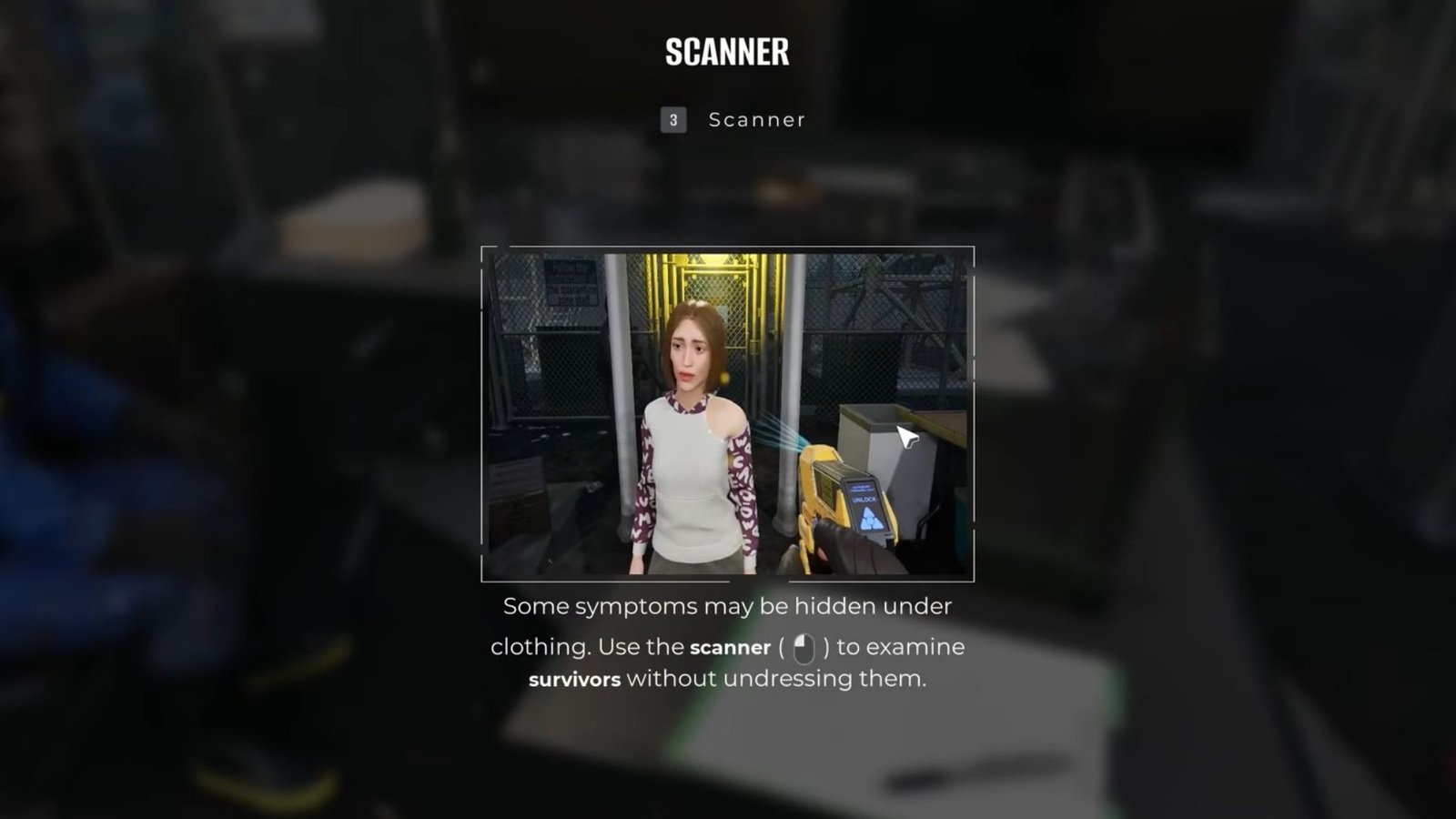
Key Points
- The Scanner is one of the tools given to you during the early check-in phases.
- With this, you will use a handheld device to scan under the suspect’s clothes for marks or bites.
- This is a great way to find symptoms without touching them.
During the early stages of Quarantine Zone: The Last Check, you will just be armed with the Scanner to check for markers under the survivor’s clothes. Plus, with some upgrades, you get to better understand the Scanner’s features.
Read More: Quarantine Zone: The Last Check – How to Get Perfect Inspection Always
Quarantine Zone: The Last Check – Scanner Overview

| Unlock day | Day 6 |
| Mission requirement | Naked Truth |
| Use | Scan under survivor’s clothes to check for symptoms. |
| Default hotkey | 3 |
How to Use the Scanner
You select the Scanner either from the radial wheel or by pressing 3. Then, hover the device over the survivor and press the interact button to start scanning. Initially, I was having difficulty identifying blood, dirt, and actual scars or bites, and that led me to misdiagnose a symptom, which was particularly irksome since I was aiming for a perfect inspection, but thankfully, upgrading the Scanner made things easier.
How to Upgrade the Scanner
As I kept obtaining more Research Points, I got to unlock several upgrades for my tools. Clear View and Wider Cone are the two upgrades available for the Scanner. Each upgrade costs 75 RP, so you might have to grind a bit to get the required points.
- Clear View: Eliminates all the extra bits on the survivor’s body like dirt and blood and will show actual symptoms.
- Wider Cone: Offers a much larger scan area, which makes it easier to scan suspects quickly.
FAQs
Can the Scanner accurately show symptoms?
Sometimes, it is easy to misdiagnose symptoms using the Scanner, so no, the Scanner is not 100% accurate unless you get all the Scanner upgrades.
How do I get better readings with the Scanner?
Use the UV Tower alongside the Scanner to get better readings, especially for hidden bites.
How do I use the Scanner?
Press 3 to bring up the Scanner, or pull up the radial wheel to select it from there.
