
Close Menu

    Subscribe to Updates

    Get the latest creative news from FooBar about art, design and business.

    What's Hot

    Monster Hunter Stories 3 – How To Get Lagiacrus, Brachydios, Astalos & Espinas Early

    March 14, 2026

    Monster Hunter Stories 3 – How to Find All Elder Dragons

    March 14, 2026

    MHS3 – Eleanor Side Quest Guide

    March 14, 2026
    Facebook X (Twitter) Instagram
    TheGamesWatchTheGamesWatch
    • Guides
    • Features
    TheGamesWatchTheGamesWatch
    Home»Guides»Pokémon Pokopia – How to Create Waterfalls
    Pokopia - How to Create Waterfalls
    Guides

    Pokémon Pokopia – How to Create Waterfalls

    By Jordan BlakeMarch 8, 20263 Mins Read

    Key Points

    • You can create waterfalls in Pokopia by learning the Water Gun ability.
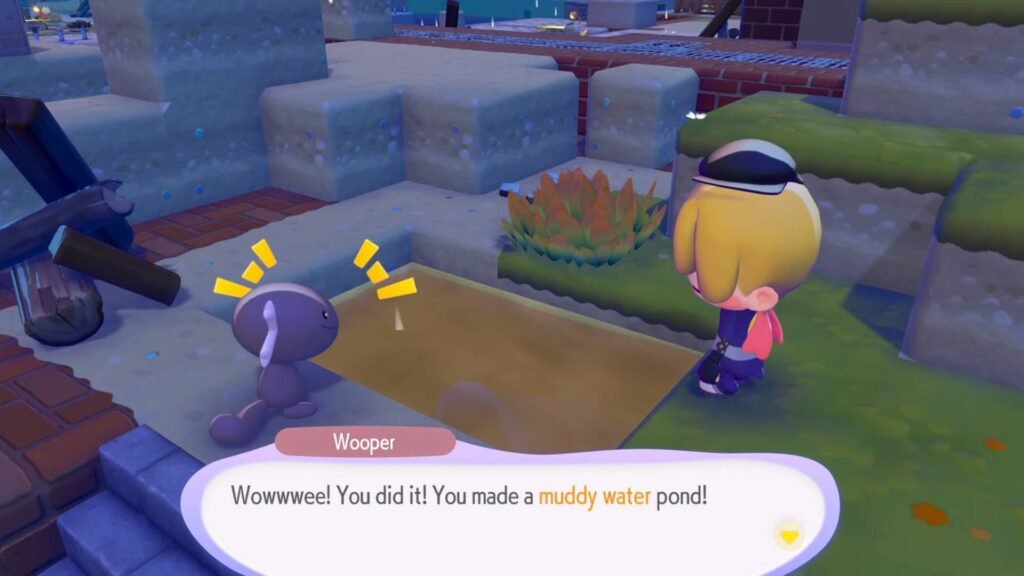
    • To unlock Water Gun, you must build a Marshy Tall Grass habitat and interact with Wooper, who will teach the ability to you.
    • Once unlocked, Water Gun allows you to place water on slopes or cliffs to form waterfalls and move water around the map.

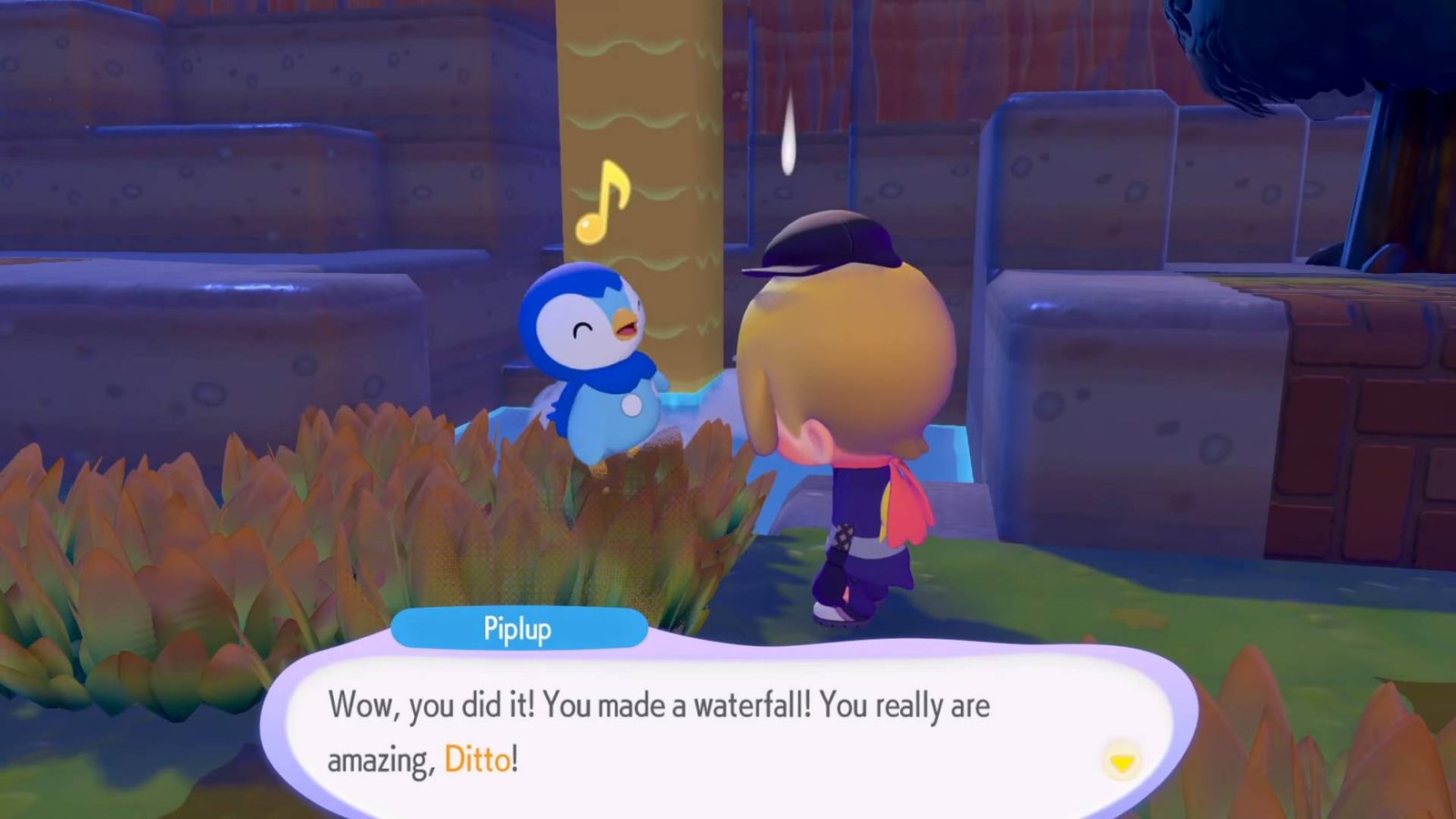
    After you have completed your Pokémon Center tasks in Pokopia, Piplup gives you a task to put a waterfall at a specific location. For this task, you need a specific type of Pokémon ability to create a waterfall anywhere. If you are also looking for how to do it, this guide is for you.

    Pokopia Water Gun Ability Overview
    Pokopia Water Gun Ability Overview
    Who teachesWooper
    Where to findMarshy Tall Grass
    Ability taughtWater Gun (Sucking up water from water bodies and releasing it anywhere)

    To create a waterfall at your desired place, you need to learn the Water Gun ability. For that, Wooper will be your teacher, and you need to build a Marshy Tall Grass habitat for it.

    Read More: Pokopia – How to Restore the Water Wheel

    How to Create Waterfalls in Pokopia
    How to Create Waterfalls in Pokopia

    To begin this quest, interact with Piplup, and he will lead you to a new location. Follow the steps below to make your own waterfall:

    • Once you are at the location, Piplup tells you Wooper can help you make a waterfall. But for that, you need to build a Marshy Tall Grass habitat for him.
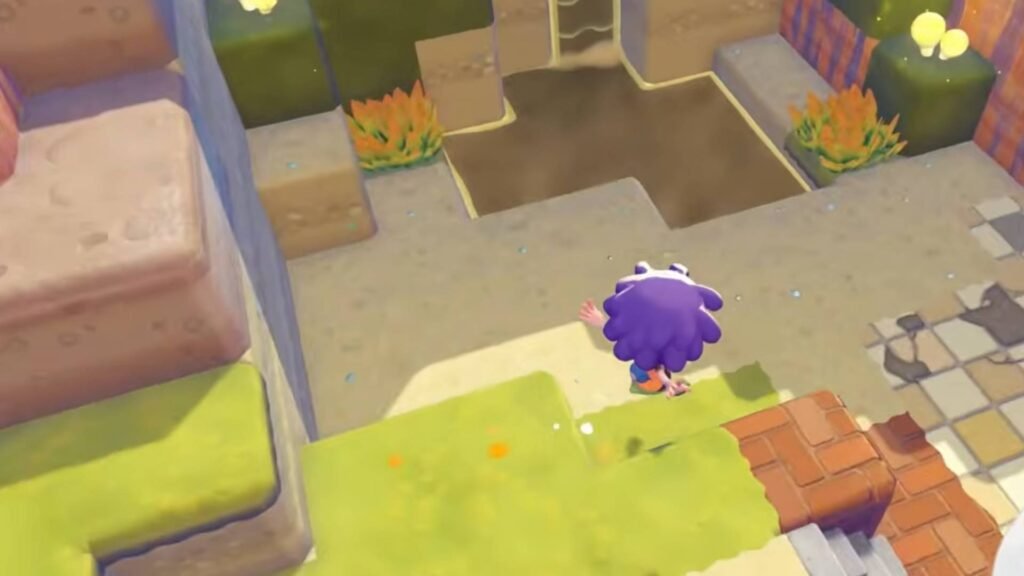
    • I luckily found the ideal place for a Marshy Tall Grass habitat very close to the location Piplup took us. From the location, you just need to go right and climb down until you spot a location with brown muddy water (as shown in the image above).
    • At this location, use your Leafage ability and create four blocks of Marshy Tall Grass. But after creating the habitat, Wooper did not spawn instantly for me. I would recommend waiting for some time and leaving the habitat untouched.
    • After a few moments, check on the Marshy Tall Grass habitat again to see if Wooper is there now. If it is there, interact with it.
    • He will ask for three tomatoes. You can find and collect tomatoes on the plants using the Cut ability. 
    • Once you give three tomatoes, Wooper will teach you the Water Gun ability. 

    Now you can suck up water from water bodies and pour it anywhere you want. You can also create waterfalls if you pour water at a downhill location. 

    Read More: Pokémon Pokopia – How To Build Smooth Tall Grass Habitat

    FAQs

    How do you make water flow farther when building waterfalls in Pokopia?

    Water travels farther if you pour it in steps or slopes. You can also place a water wheel if you want it to travel further.

    Why isn’t Wooper spawning in my Marshy Tall Grass habitat?

    If Wooper doesn’t appear immediately, leave the habitat untouched for a short time. Pokémon can take a while to spawn after a habitat is created.

    What other things can you do with the Water Gun ability?

    Besides making waterfalls, Water Gun can revive dry soil, water crops, and restore plants such as grass, trees, and flowers across the map.

    Pokopia
    Share. Facebook Twitter Bluesky Reddit WhatsApp Copy Link
    Jordan Blake
    • X (Twitter)
    • Instagram

    Jordan has 3+ years of experience covering Esports and Gaming while diving deep into multiple genres. Trained professionally as a game developer, he has a knack for finding the technical intricacies in games. When he is not writing or playing video games, you can find him travelling to a new destination.

    Related Posts

    Monster Hunter Stories 3 – How To Get Lagiacrus, Brachydios, Astalos & Espinas Early

    March 14, 2026

    Monster Hunter Stories 3 – How to Find All Elder Dragons

    March 14, 2026

    MHS3 – Eleanor Side Quest Guide

    March 14, 2026

    Monster Hunter Stories 3 – How to Get Every Monster Mutation

    March 14, 2026

    Pokémon Pokopia – Where To Find a Control Unit

    March 14, 2026

    MHS3 – How To Unlock All Invasive Monsters

    March 14, 2026
    EDITOR'S PICKS

    Monster Hunter Stories 3 – How To Get Lagiacrus, Brachydios, Astalos & Espinas Early

    March 14, 2026

    Monster Hunter Stories 3 – How to Find All Elder Dragons

    March 14, 2026

    MHS3 – Eleanor Side Quest Guide

    March 14, 2026

    Monster Hunter Stories 3 – How to Get Every Monster Mutation

    March 14, 2026
    DON'T MISS
    Guides

    Heartopia – How to Get Home Plots

    Kirthana K
    Guides

    Marathon – How To Scan FTL Array at UESC Radio Tower

    Jordan Blake
    Guides

    Arknights Endfield – All Wuling City Protocol Datalogger Locations

    Amar Deogaonkar
    Guides

    RE9 – Grace and Goliath Trophy Guide

    Santosh Panda
    Guides

    YAPYAP – How to Play Online Co-Op

    Kirthana K
    Guides

    Wuthering Waves – Hidden Childhood Quest Guide

    Amar Deogaonkar
    Guides

    Animal Crossing: New Horizons 3.0 – How to Play All Classic Nintendo Games

    Amar Deogaonkar
    Guides

    Where Winds Meet Nine Mortal Ways Base – All Encounters

    Amar Deogaonkar
    Guides

    BO7 Zombies Paradox Junction – All 10 Radio Locations

    Jordan Blake
    Guides

    Heartopia – How To Get Exhibition Passes

    Kirthana K
    © 2026 TheGamesWatch
    • Home
    • Our Authors
    • About Us
    • Privacy Policy

    Type above and press Enter to search. Press Esc to cancel.

    We use cookies to ensure that we give you the best experience on our website. If you continue to use this site we will assume that you are happy with it.