
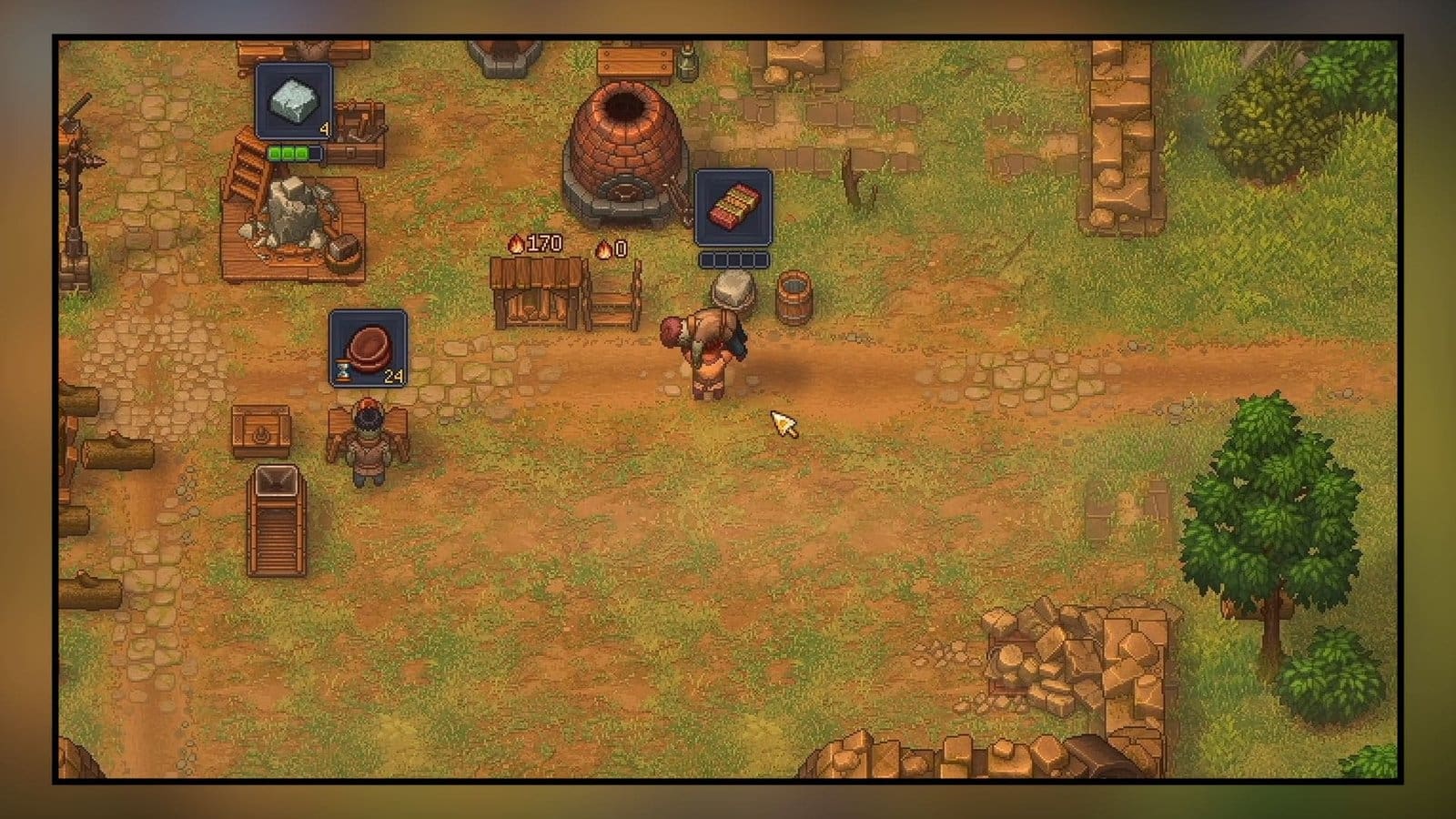
Key Points
- Red Skulls determine how many perks a zombie can have.
- The more red skulls, the more perks you can add to the zombie corpse.
- You can switch out organs to improve the red skull rating and also add better collars before turning a corpse into a zombie.
You don’t need to toil away at the gravesite all the time in Graveyard Keeper 2. You can also perform experiments on your corpses and turn them into zombies. Not all zombies come with high perk slots, so it is up to you to find a way to increase them so you can add more perks.
Graveyard Keeper 2 – Red Skull Overview
| How to get | Switching out organs, adding improved collars |
| What it does | Add perk slots to zombies |
| Corpse requirement | Used on zombies only |
What are Red Skulls

Red Skulls can be seen when checking a Zombie’s overview table. When clicking on a zombie, you will spot two skull types: red and white. White skulls lean more towards a better Graveyard rating and improving the purity of your corpse for cremation or burial. Red skulls deal mostly with zombie perks.
Unlocking more red skulls can increase the perk slots a zombie can have. This is extremely important, as having more perks on a zombie can be beneficial if you want to set them up on different workstations or have better work Masteries.
How to Increase Red Skulls
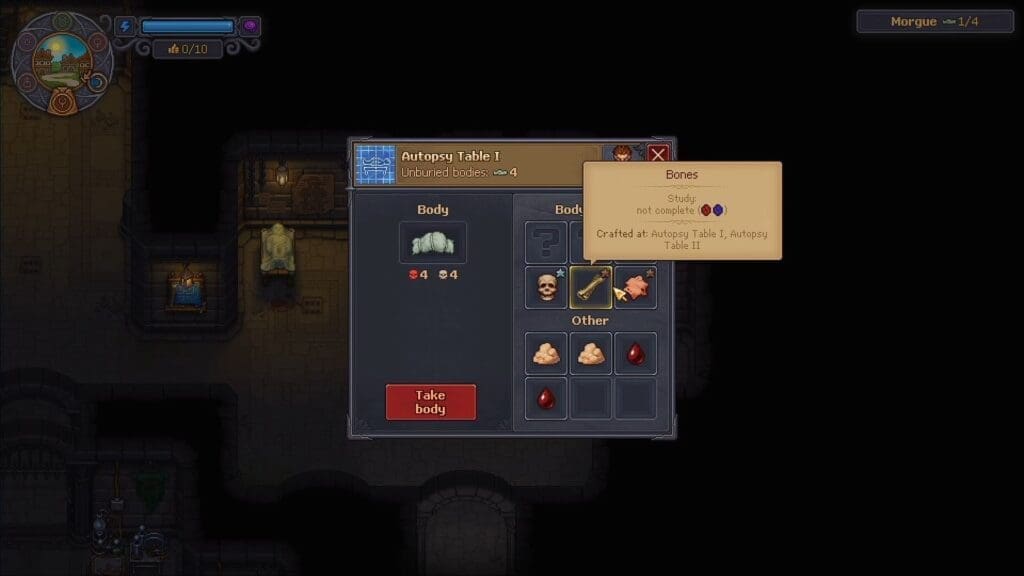
Red skulls are attached to the items that the body or zombie has. If you lay a body on the autopsy table and interact with it, you will find a handful of items on the body listed on the right side of the pop-up menu. If you select each item, it will show you how many red skulls it has, as this will influence the overall red skulls on the body.
When it comes to increasing the red skulls, you need to either replace or remove and add a new item into the body parts section. Zombie bodies will only have the replace option, while normal bodies can have their items removed and replaced with something new. The most common items you will find on a body are a skull, bone, and skin. You might also find some fat in the lower table of some of the bodies during autopsy.
How to Remove Body Parts
You can’t work on removing body parts right away until you unlock the right perks for it. In the tech tree, head over to the Anatomy and Alchemy tab. Over here, start with the Autopsy Basic, then unlock Soft Parts to remove body parts from corpses and zombies. The first tier helps remove blood, fat, and flesh. The next tier, titled Skin and Bones, will remove or replace the skin and bones on the bodies.
Work your way through the removal of the skull and teeth and the more advanced perks like Autopsy Advanced, Autopsy Master, and Embalming. This will allow you to remove or replace more internal body parts besides the starting bone, skull, and skin. With this, you can also check which items offer more red and white skulls that you otherwise couldn’t see earlier.
Successfully Removing Body Parts
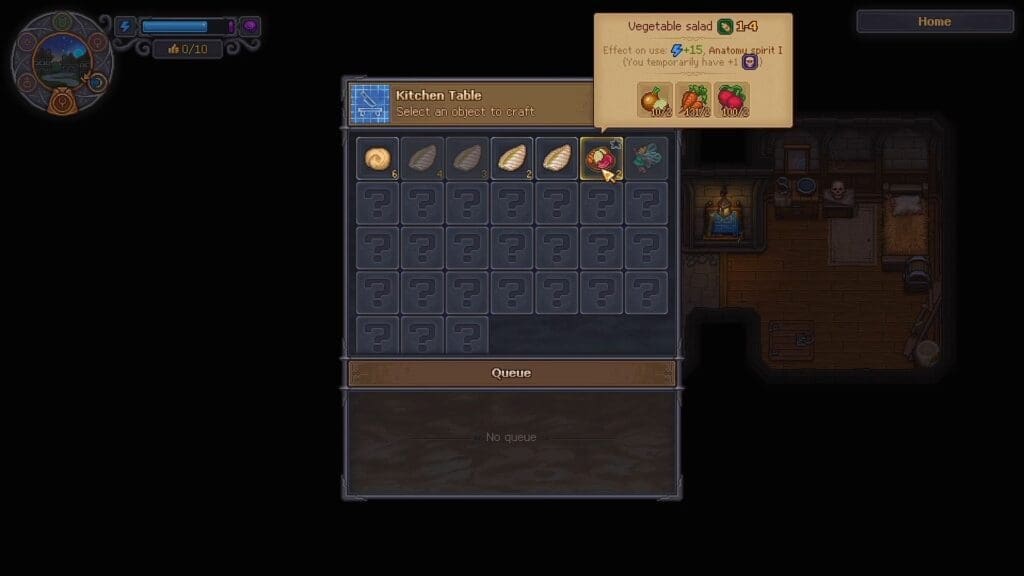
Besides this, you also need to unlock the right Perks from the Inspiration tree. Head over to the Autopsy perks and work on unlocking the Surgeon and Expert Anatomist early on. You can also consume Vegetable Salad to increase your Autopsy Mastery. With that, head over to the autopsy table in the Morgue and interact with a body. Consume the salads beforehand to get a better shot at removing the organs.
You can also check how many Autopsy points are required to operate and remove the organ successfully. Select an organ and check the number beside the white skull. You need to meet this requirement before you can operate on the selected organ.
Picking the Right Body Parts
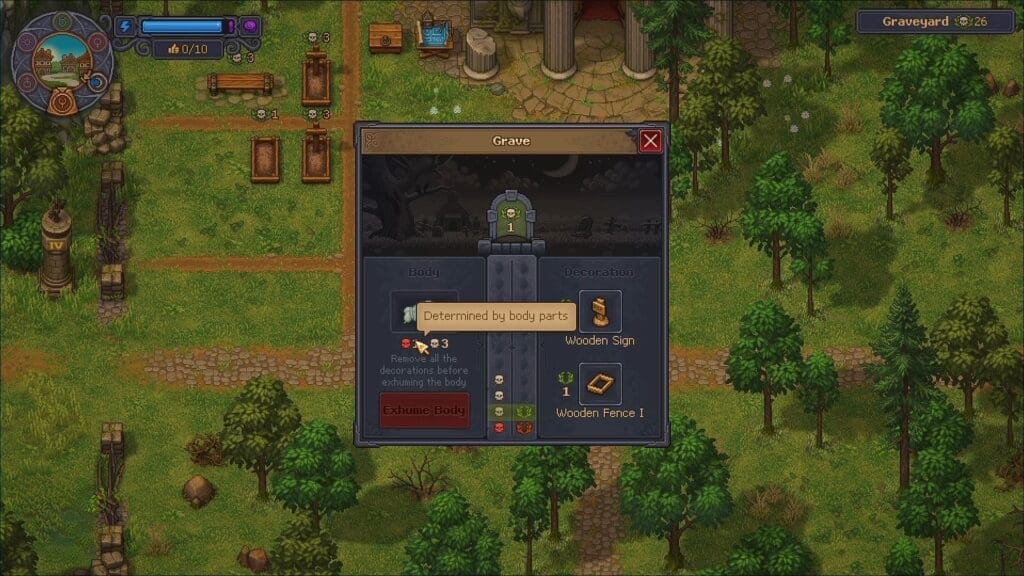
While inspecting the body parts, some of them will have a red skull or white skull in their description when you hover your cursor over the item. You will require parts that have red skulls to improve the Red Skull rating. You can get more body parts while inspecting corpses that come your way. Remove the ones that have the red skull icon and store them in your storage chest for creating zombies later on.
If you have buried corpses with their organs still intact, you can retrieve the bodies to remove the organs. But first, you need to purchase the Exhumation Certificate from Januarius for 5 silver. Then, check the body that you wish to exhume and remove the wooden frame and sign. You can then use the certificate to remove the body and bring it to the autopsy table.
FAQs
Can I modify existing zombies?
Yes, you can pick up the zombie you wish to modify and bring them to the autopsy table to add new organs.
Can collars improve red skull rating?
Yes, there are three tiers to the zombie collars. Initially, the bronze collar will give you max 5 red skulls at random, but it can go up to 99 red skulls if you have the Steel Zombie Collar unlocked from the Tech Tree.
How do I extract organs?
You need to craft the extraction kit at the jeweler’s table in your Writing Basement. There are different types of extraction kits, so pick the one according to your mastery level.
