

Key Points
- StarRupture ditches the conventional and messy cable-centric power systems for a fluid energy flow using solar generators, platforms, and rails.
- Getting power is easy. Just hook up your Solar Generators to Power Platforms.
- You can also use Rails to distribute power to your hard-to-reach machines.
- Expanding your base will have you racing for more power. Simply build additional Solar Generators to match your energy needs.
While it takes plenty of cues from the survival and base-building games we know and love, StarRupture stands out with some really smart features. If you’re just landing on this wild new planet and feeling a bit overwhelmed by how to keep the lights on and machines running smoothly, don’t worry. This guide covers everything you need to know to get your base fully electrified!
How to Distribute Power in StarRupture?
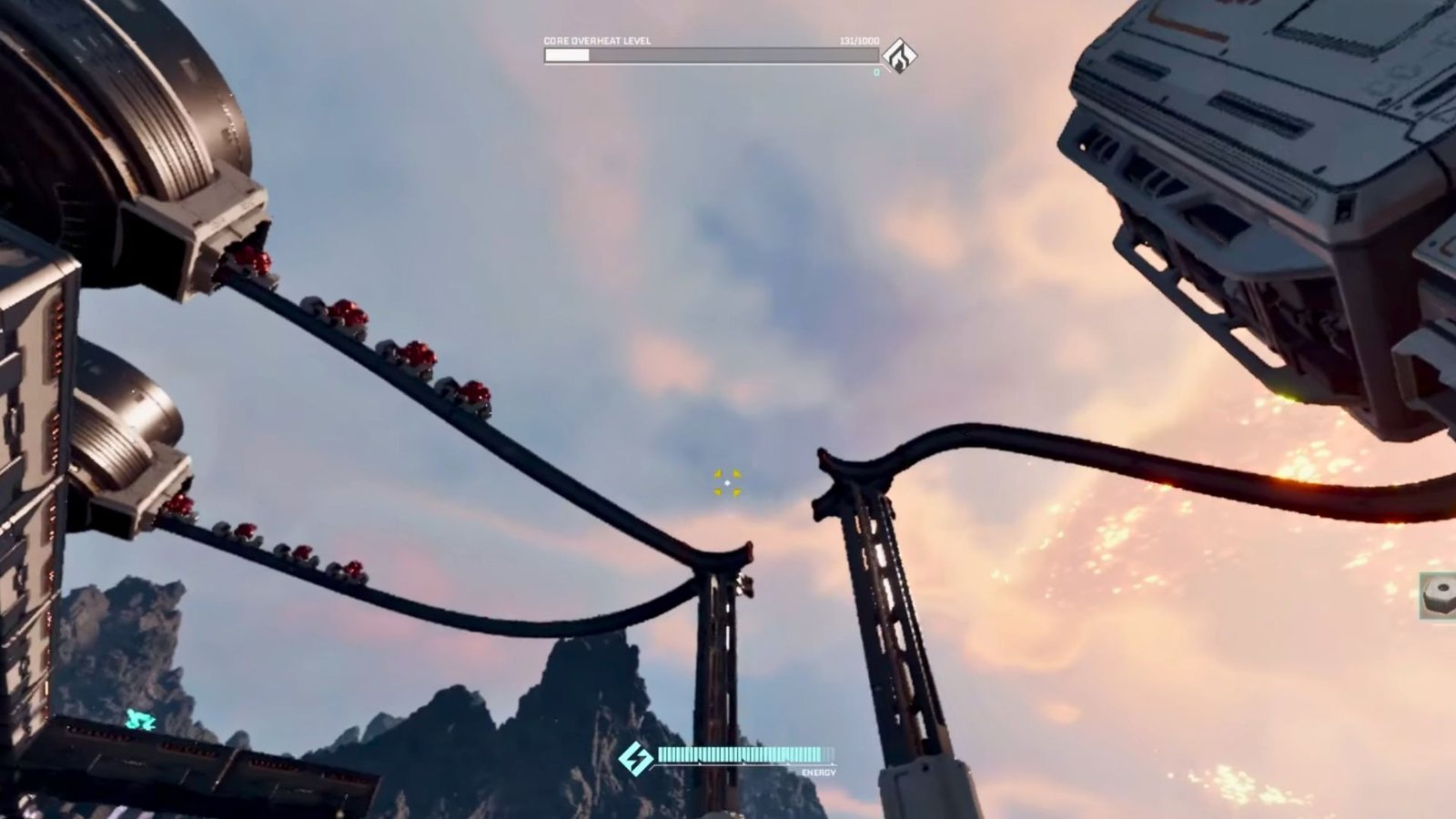
StarRupture differentiates itself from most base-building games in one key aspect: it doesn’t feature cables! No more will you have to struggle against carefully connecting a mess of cables to generators all over. Instead, you will be tasked with distributing copious amounts of power required to effectively run your base, using Power Platforms and Rails.
You need three key pieces of equipment to distribute power in StarRupture –
- Generators: Your key source of energy or power in StarRupture.
- Power Platforms: Think of these as mediators between your machines and Generators.
- Rails: You can use these to connect certain machines that can’t be directly linked to Generators.
Here’s a step-by-step guide to linking up your machines to effectively distribute power in StarRupture:
- Build a Solar Generator in your base.
- Set it next to a Power Platform.
- Install the desired machine next to this Platform.
- Line up the white ‘Link‘ icons during the construction of your base.
- Ensure that your Generators are touching the platforms and have been successfully linked up.
- Connect the Machine to the Power Platform by simply placing it right next to it.
- Some Machines, such as Extractor, cannot link up directly to a Generator or Platform.
- Use Rails to connect these Machines to the Power Platforms.
Just remember one important thing: A machine in StarRupture will receive power as long as it’s touching a powered structure. You don’t need to make individual connections to every machine. Placement is the king. As Power Platforms and Rails act as both power distributors and building support structures, you can use this to your advantage and build a clean, efficient layout.
Important Tips:
- Solar Generators provide a limited amount of power. Beware of their diminishing capacity when expanding the base. Ensure that you build additional Generators once your base starts expanding.
- Upgrading is the key. All your equipment, including Generators, is upgradable. Keep an eye out for these upgrades (made available via Company Investments) and get them done on priority to ensure smooth operations. Be on the lookout for upgrades as intently as you look for new blueprints.
- Plan your base layout carefully. Try to keep your base design fluid, clean, and efficient. Once you start progressing, you will need more and more machines. To accommodate those, you will need enough space to house more generators and power platforms.
- Manage your power load. A single generator won’t be able to power multiple machines. You will need to account for thespace required for future additions.
FAQs
Why can’t I get power to my machines in my StarRupture base?
Double-check your power connections. Ensure that the desired machine is connected to a Power Platform or similar powered structure by Rails. Also, make sure that you have sufficient solar generators in working order. Keep in mind that not all machines can simply be linked up to Generators and require you to connect the machine to power platforms that are connected to a generator.
Do I need multiple Power Generators?
Yes. As your base expands, so will your requirement for power. And power is as important as food in StarRupture. It’s always a good idea to build multiple Generators to fulfil your growing needs. Since the Basic Generators have limited output, you will soon need more and more generators as your production expands.
What is the role of Rails in StarRupture?
Rails are a pretty versatile piece of resource in StarRupture. You can use them transfer power. Also, they are used to move or transport items.
Are Solar Generators upgradable?
Yes. You can absolutely upgrade your Solar Generators through different types of company investments.
