
Key Points
- The Mail Glitch in Pokémon FireRed and LeafGreen can be used to duplicate items infinitely.
- To perform this glitch, you need Farfetch’d, Mr. Mime, Oran Berry and Retro Mails.
- With this glitch, you can get infinite Nuggets, Master Balls, Rare Candies and much more.
Pokémon FireRed and LeafGreen’s Mail Glitch is useful for duplicating items as many times as you want, which means you can earn infinite Pokédollars, Coins and other valuable items. However, you need to be careful when performing this glitch; otherwise, it won’t work. So, here’s how you can duplicate items infinitely via the Mail Glitch in Pokémon FireRed and LeafGreen.
Pokémon FireRed and LeafGreen – Mail Glitch Overview
| Pokémon Required | – Farfetch’d – Mr. Mime |
| Items Required | – Oran Berry (or any healing Berry) – Retro Mail |
| Items Duplicated | – Nuggets – Rare Candies – Master Balls |
1. Get Farfetch’d by Trading Spearow
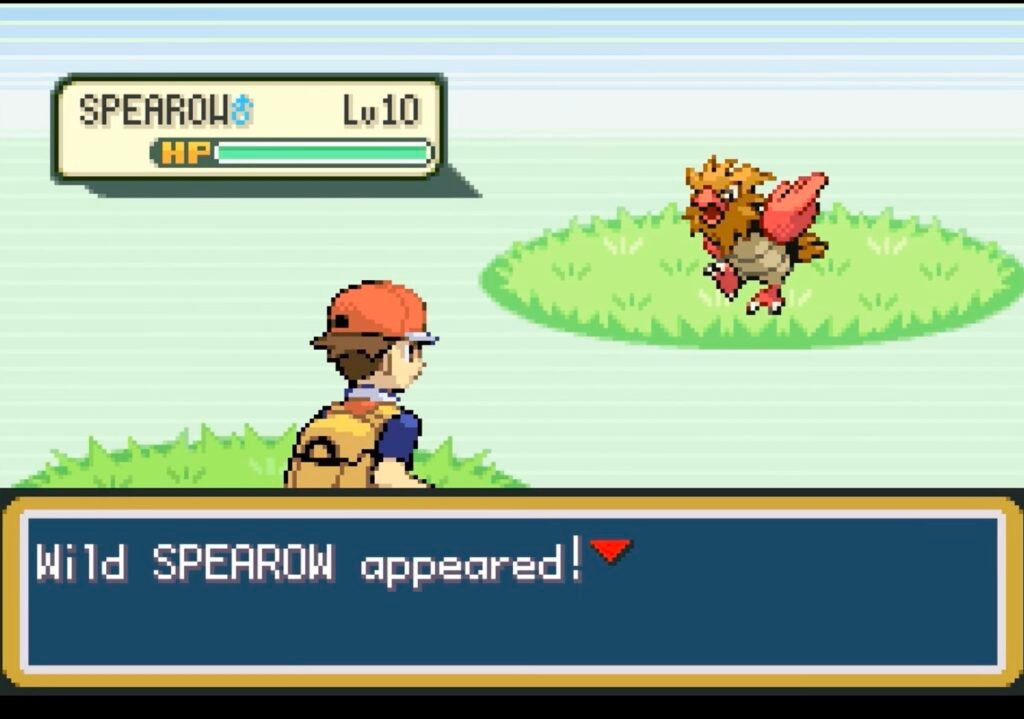
The first step to perform the Mail Glitch in Pokémon FireRed and LeafGreen is to trade Spearow for Farfetch’d. You can obtain a Spearow in the grass in Route 4, located to the west of Cerulean City. After catching it, take Spearow to Vermilion City and trade it for a Farfetch’d at the NPC in the house to the south of the Poké Centre.
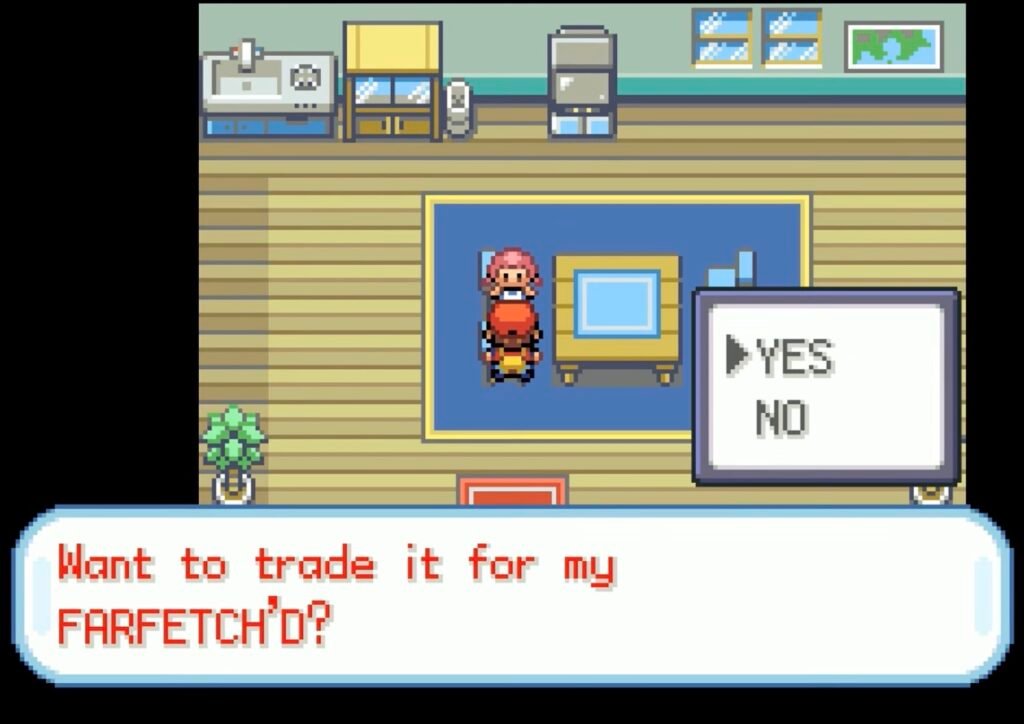
You need Farfetch’d for its Knock Off move, which unlocks after reaching Level 21. So, once you obtain Farfetch’d by trading in Spearow, ensure that you level it up to Level 21 to get the Knock Off ability.
2. Get Mr. Mime by Trading Abra
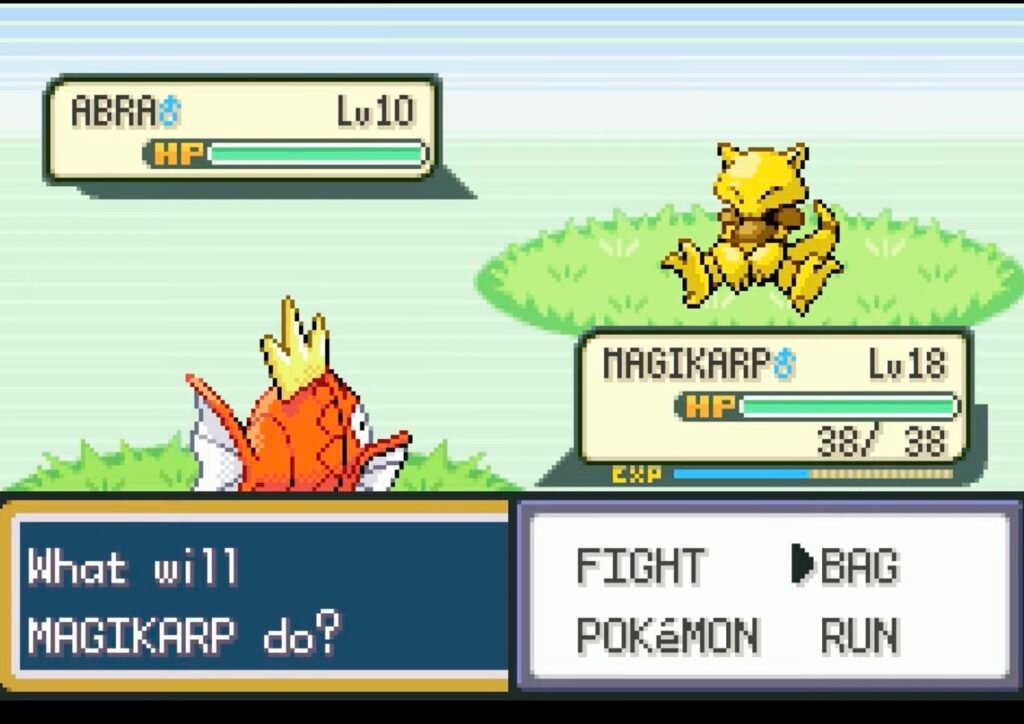
Next, you need to get Mr. Mime by trading Abra in Pokémon FireRed and LeafGreen. Head to Route 24, located to the north of Cerulean City and go to the middle row of grass, since the spawn chance is higher in that spot. Use Pokéballs to catch him easily.
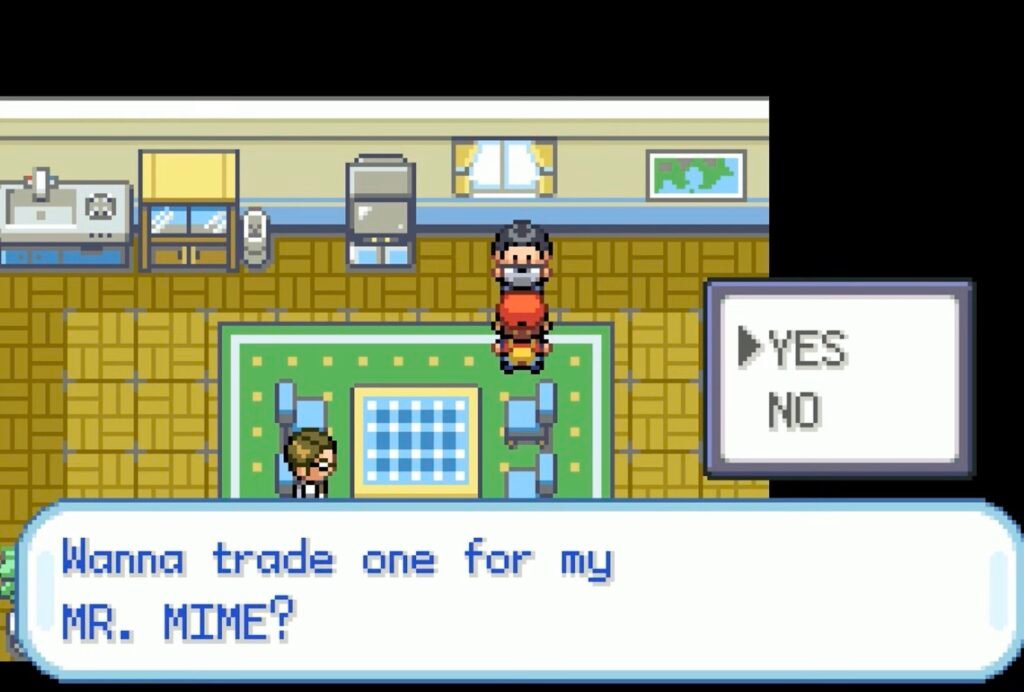
Once you have caught it, travel to Vermilion City, and go through Diglett’s Cave in Route 11. You’ll reach a house on Route 2 with an NPC willing to trade Abra for Mr. Mime. The reason you need Mr. Mime for this glitch is for its Recycle ability, which unlocks at Level 33.
3. Purchase an Oran Berry and Retrol Mail
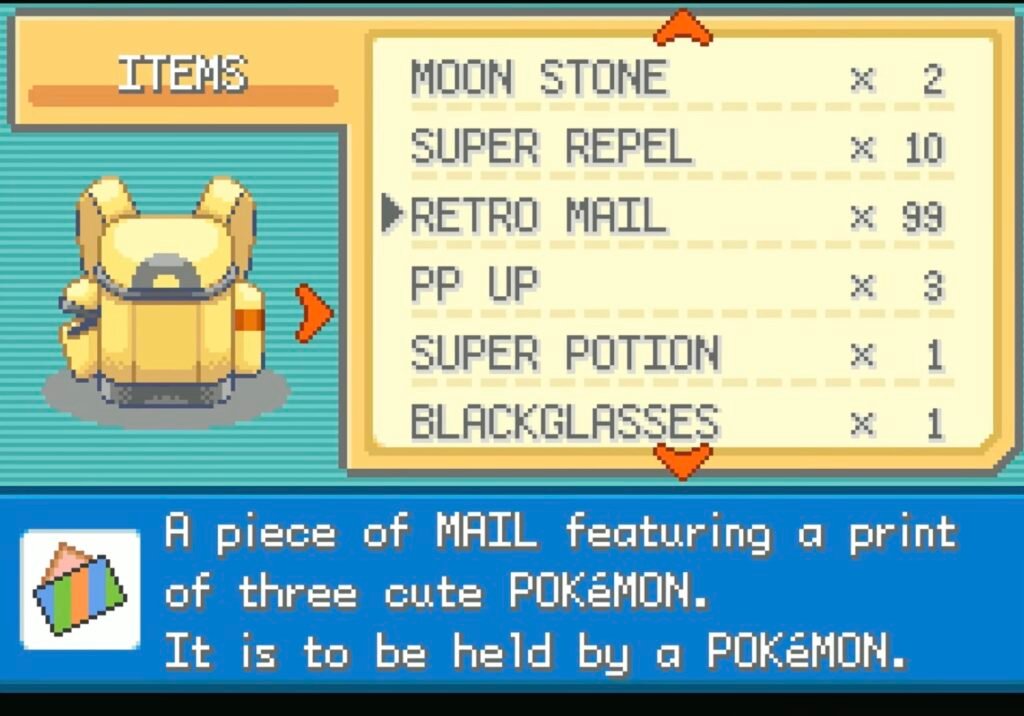
Next, you need to purchase an Oran Berry (or any Berry that restores health) and some Retro Mail from the Celadon City Department Store in Pokémon FireRed and LeafGreen. Purchase as many Mail as you can, and remember that the Mail must be of the same type for this glitch to work. Varying Mails won’t work.
4. Find a Double Battle and Have Three Pokémon in Your Party
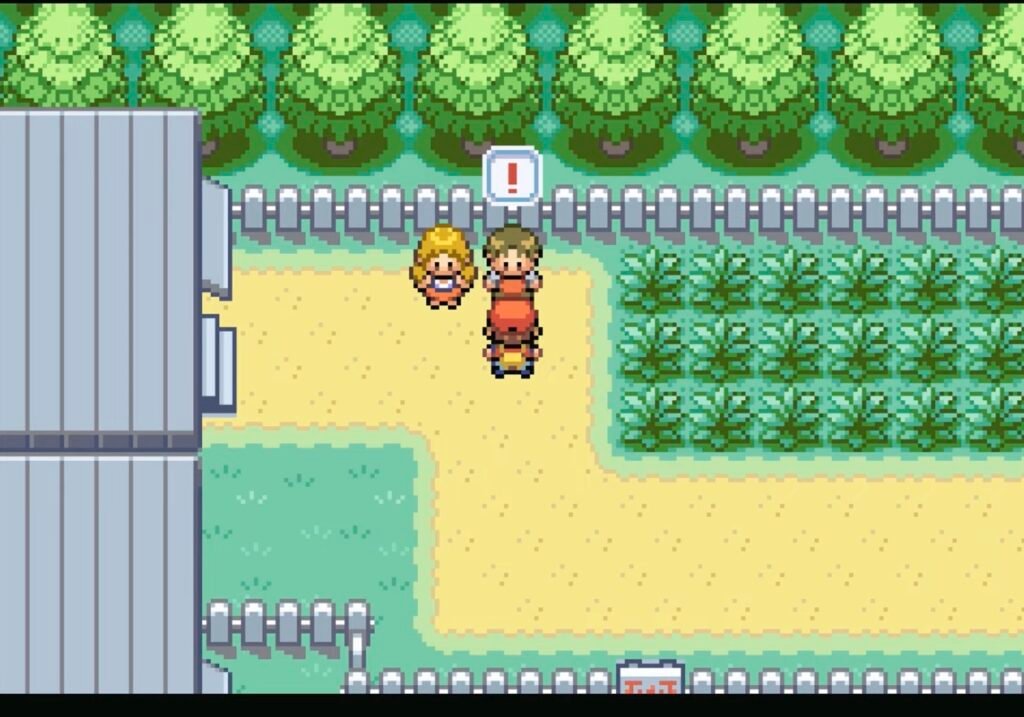
There is a Double Battle to the west of Celadon City on Route 16 in Pokémon FireRed and LeafGreen. Before you begin the fight, have three Pokémon in your Party: Farfetch’d, any random Pokémon and Mr. Mime. Give the Oran Berry or any healing Berry to the random Pokémon, and give Mr. Mime a Retro Mail to hold.
Name the mail you give to Mr. Mime Abra. You can use any name you want, but Abra is the most commonly used name for this Mail Glitch. Now, set your team up such that Farfetch’d, and the random Pokémon come out first, then make a save to ensure you don’t lose progress.
5. Steps to Perform the Mail Glitch
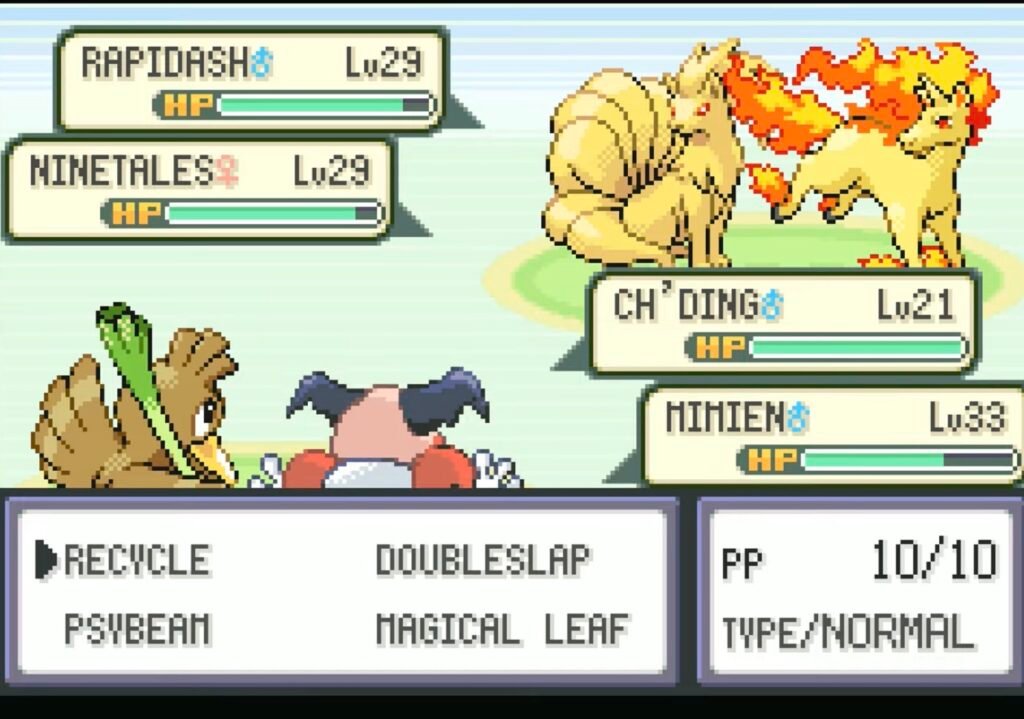
With the Mail Glitch set up in Pokémon FireRed and LeafGreen, it’s time to execute it. Here are the steps to follow to perform the glitch successfully:
- Begin the Double Battle with Farfetch’d and the random Pokémon. Mr. Mime will chime in later in the battle.
- The next objective is to get your random Pokémon to eat the Oran Berry. So, have your secondary Pokémon reach 50% HP to consume the Oran Berry.
- Use the Knock Off move on your secondary Pokémon and immediately switch to Mr. Mime before the move is performed to knock the Retrol Mail off its hands.
- With the Retro Mail knocked off of Mr. Mime’s hands, use the Recycle during your turn to retrieve the Oran Berry. If the Oran Berry is retrieved instead of the Retro Mail, then the glitch is working.
- Now, complete the fight with Farfetch’d and Mr. Mime.
- Check your Party after the fight is over, and if Mr. Mime is not holding anything, then the Mail Glitch has worked.
- Now, head to the Pokémon Centre and fill up your Party with five Pokémon.
6. Give Retro Mail to Five Pokémon in Your Party (Except Farfetch’d)
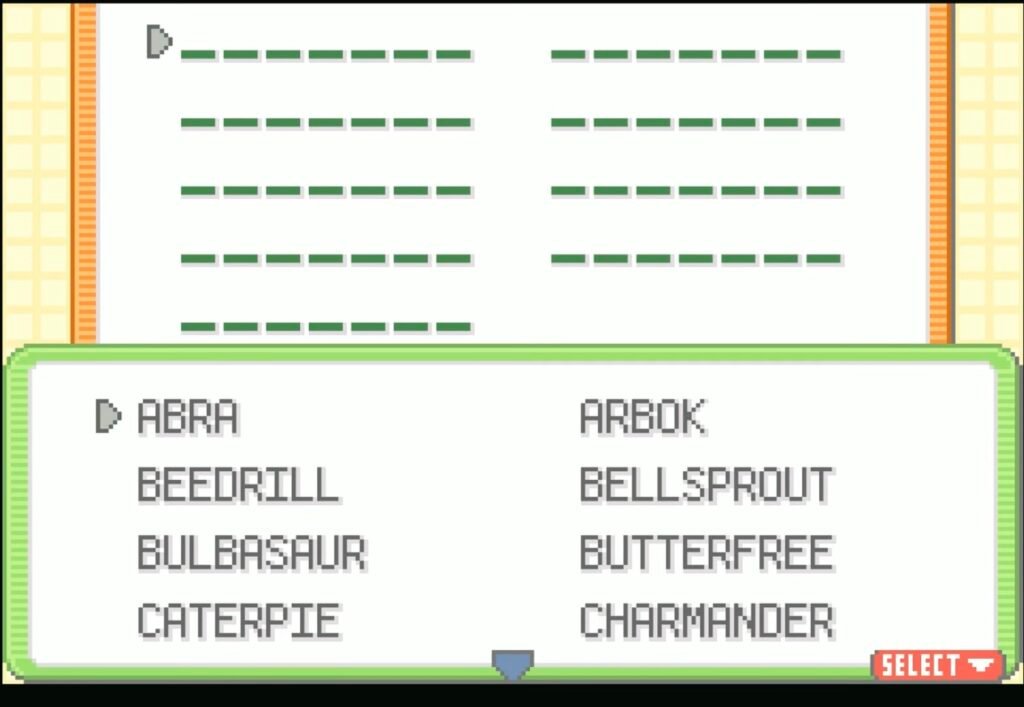
Head to the Pokémon Centre and fill up your Pokémon Party with random Pokémon in Pokémon FireRed and LeafGreen. Make sure that you include the initial Pokémon you used in the Double Battle and that their positions are unchanged. Equip Retro Mail to the five Pokémon in your Party (except Farfetch’d), and name it the same as the original Retro Mail, which was lost. In this case, it’s Abra.
7. Equip the Item to be Duplicated on the Sixth Pokémon
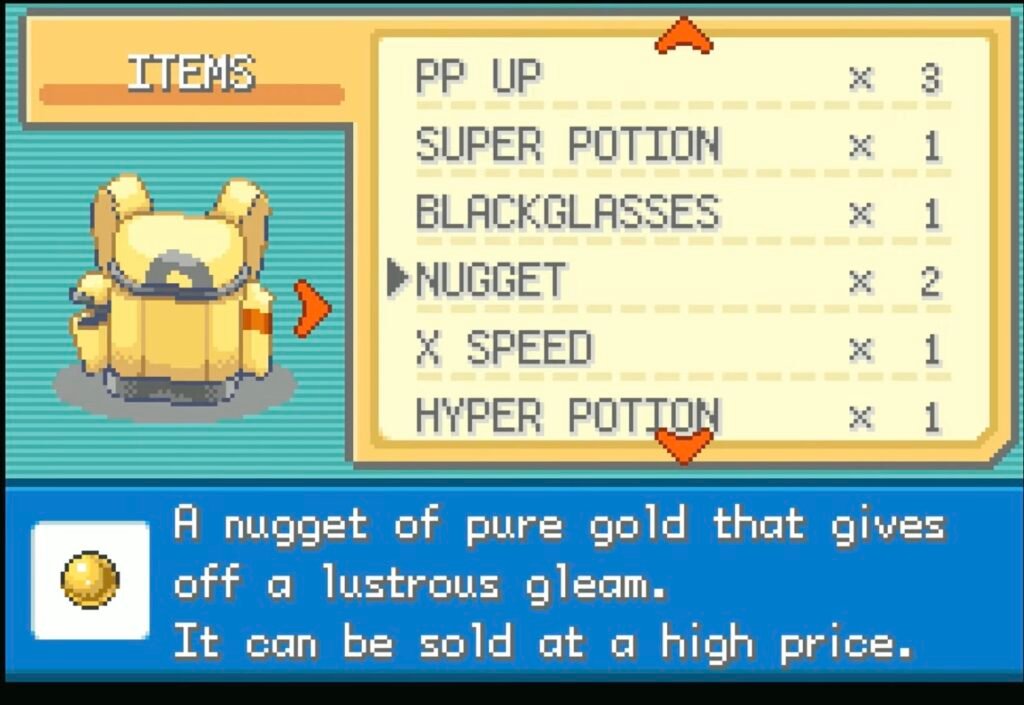
Now, all you have to do is equip the item to be duplicated on the sixth Pokémon, which in this case is Farfetch’d. After that, replace it with another Retro Mail. If the mail name/message shows up as ???, then the Mail Glitch is working.
Do not name this Retro Mail. Skip this process by pressing Ok and then Yes. Now, check your Party and the Retro Mail that Farfetch’d was holding should be converted into the item you wanted duplicated.
FAQs
What are the best items to use the Mail Glitch on?
The best items to use this glitch on in Pokémon FireRed and LeafGreen are Nuggets, Rare Candies, and Master Balls.
What happens if I lose the Double Battle?
If you lose the Double Battle while doing this glitch in Pokémon FireRed and LeafGreen, the Mail Glitch will still work. However, if you die early on, you have to reload the save and redo the fight.
Do I need to redo all the steps for the glitch to work again?
No, the Mail Glitch will always work if you’ve performed it once successfully. Only the last two steps need to be repeated. Equip Retro Mail to five Pokémon in your Party, and give the sixth one the item to be duplicated and replace it with a Retro Mail to duplicate the item instantly.
Can I get infinite Coins with this glitch?
Yes, you can earn infinite Coins with this glitch. Since Pokédollars can be converted into Coins, you can duplicate Nuggets infinitely and sell them to earn 5000 Pokédollars a pop, then convert them into Coins.
