
Key Points
- In the demo, you can own a small group of zombies to work for you and make automation easier.
- To unlock zombies, you need to complete the Sweet Dreams main story quest and help the Plague Doctor.
- Helping the Plague Doctor will lead you to your first two zombies, and you can put them to work at your base.
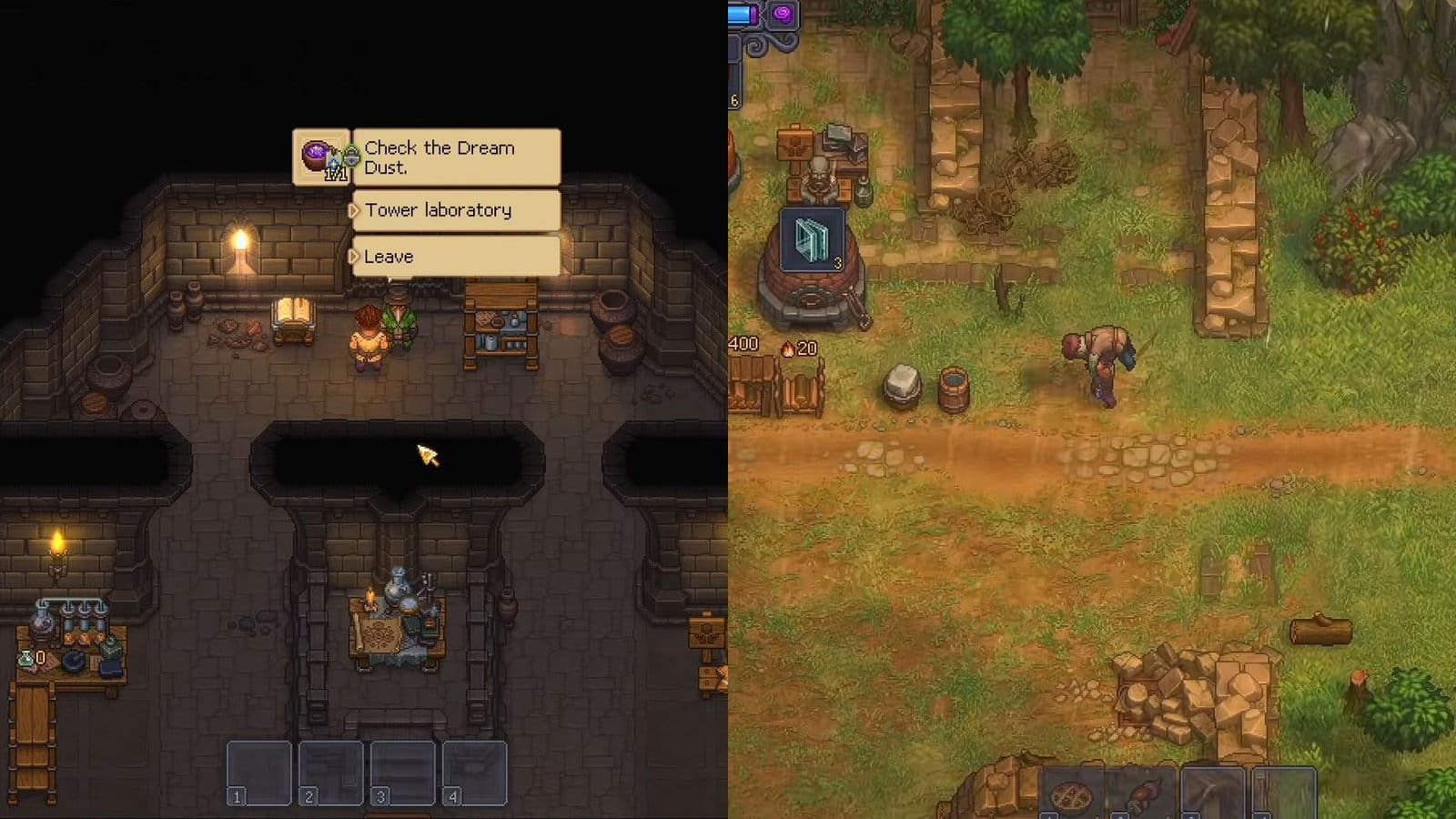
Now that Graveyard Keeper 2 has left the demo stage, you can unlock new features and work on them. One of the features added is the recurring Zombies to help you automate your workstations. Completing a particular questline will help you unlock zombies and take them in for work.
Graveyard Keeper 2 – Zombies Overview
| How to get | Complete the Sweet Dreams quest |
| NPC | Plague Doctor |
| Number of zombies | 2 |
Sweet Dreams Quest Guide
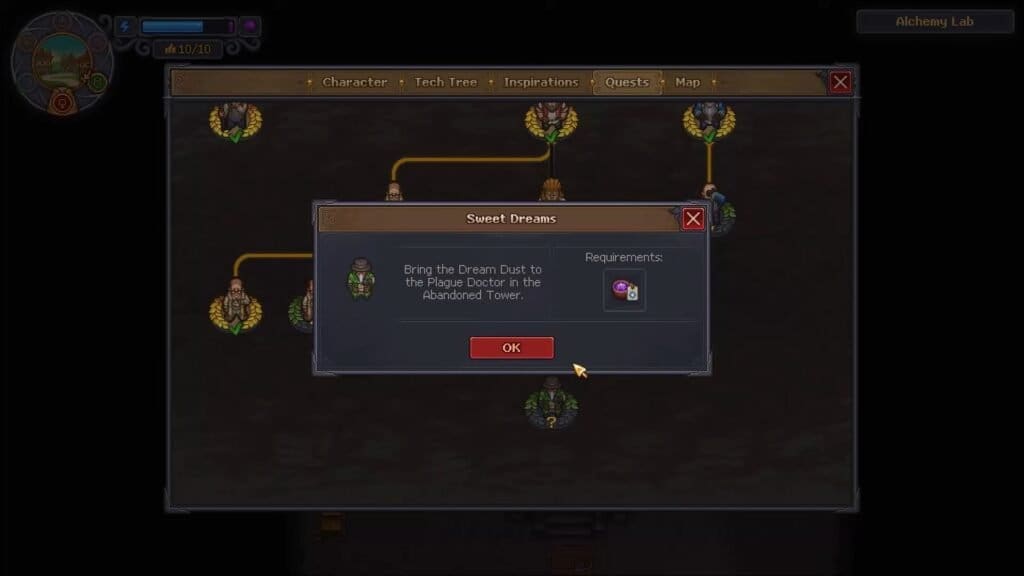
Zombies are unlocked as part of the Sweet Dreams quest in Graveyard Keeper 2. You can claim two zombies from the get-go, and this feature is available in the demo too. The Sweet Dreams quest unlocks as you progress through the story. Eventually, you will get a notification to investigate a hatch in your home. You need to craft a toolbox and use it to unlock the hatch.
As you go down, a cutscene will play out where you will meet the Plague Doctor. But you can’t get to him unless you clear out the rubble in front of him. This will require another toolbox, and toolboxes require Bronze Details and Planks. After that, speak to the Plague Doctor to unlock a new tower in the upper section of your base. You can reach this section after leaving your home and heading north to find a new tower.
Unlock the tower using your medallion and the items you already have in your inventory. After getting inside the tower, you will have access to the Alchemy Lab. Your next task is to feed the Plague Doctor Dream Dust to cure his cough and gain access to the lower levels of the lab.
How to Get Dream Dust
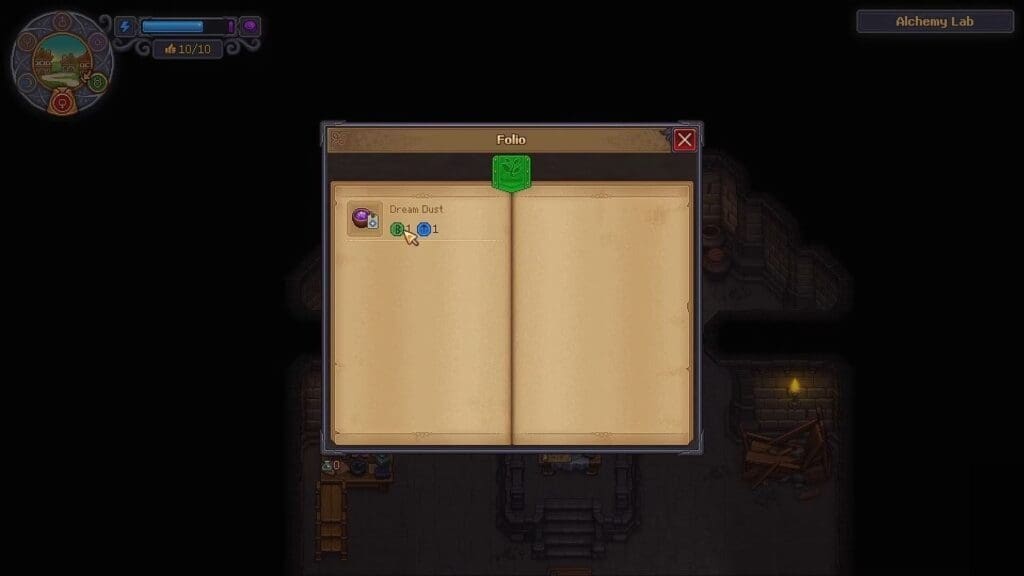
First, you need to research items at the Study Table of the Alchemy Lab. Studying items requires the Science Kit, which can be crafted at the Writing Desk in Graveyard Keeper 2. After decomposing one Science Kit at the Study Table, you will get Science Points to use here. You can then add items for further research.
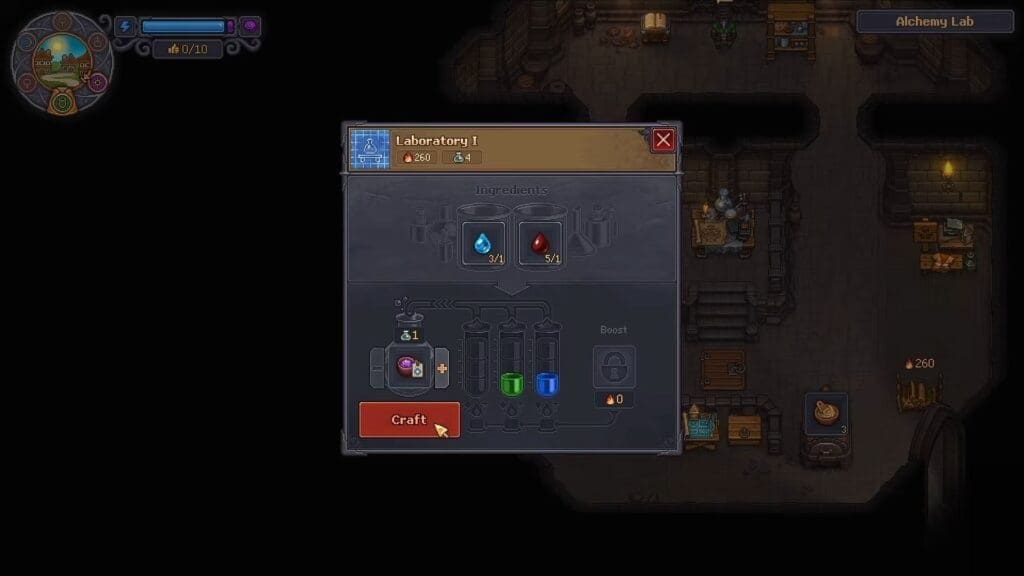
According to what the Plague Doctor mentions, you will require one green item and one blue item to create Dream Dust. Head back to the Study Table and research any green and blue item. If you hover your cursor over each item, it will show you what color item it will turn into after research.
The easiest way to get the required items is to research blood and water. Then, take the colored compounds to the Laboratory 1 table to get Dream Dust. Hand it over to the Plague Doctor, after which he will unlock the cellar door on the ground floor of the lab. He will then reveal the two zombies that are free for taking here, which will introduce you to zombies in Graveyard Keeper 2.
How to Make Zombies Work
You can place zombies to work at different workbenches, provided they have the right tools for it. For example, if you place a zombie at the Woodworking bench and give it a basic axe, it will start creating planks. You also need to check the mastery level of the zombie, as more complicated tasks can’t be performed by a low-level zombie.
While a zombie is crafting the item, it will either require resources to craft more items or require someone to clear the workstation and make space. You then need to place another zombie to either hand over materials or collect the finished products and place them in the respective storage area or workstation.
How to Create More Zombies
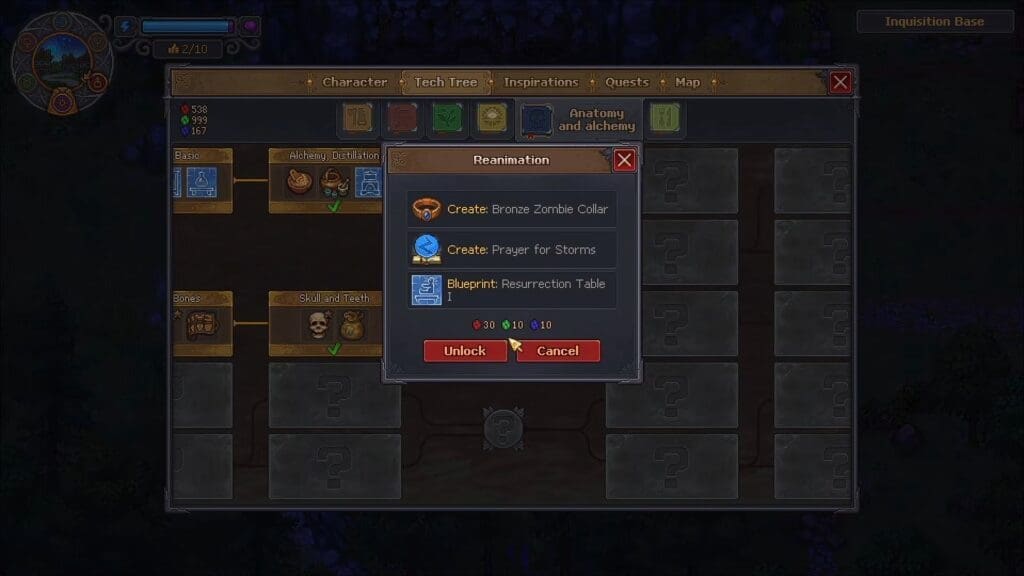
To create more zombies, you need to unlock the Reanimation workbench in the Tech Tree, under Anatomy and Alchemy. You will require 30 red, 10 green, and 10 blue research items. Keep reaching them on the Study Table until you get the required amount, then unlock the Reanimation Table.
Make your way to the Morgue and head over to the very left section. You will find a locked door; unlock it to gain access to the resurrection chamber. Interact with the Morgue sign opposite the chamber to unlock the Resurrection Table blueprint, then place the table inside the chamber.
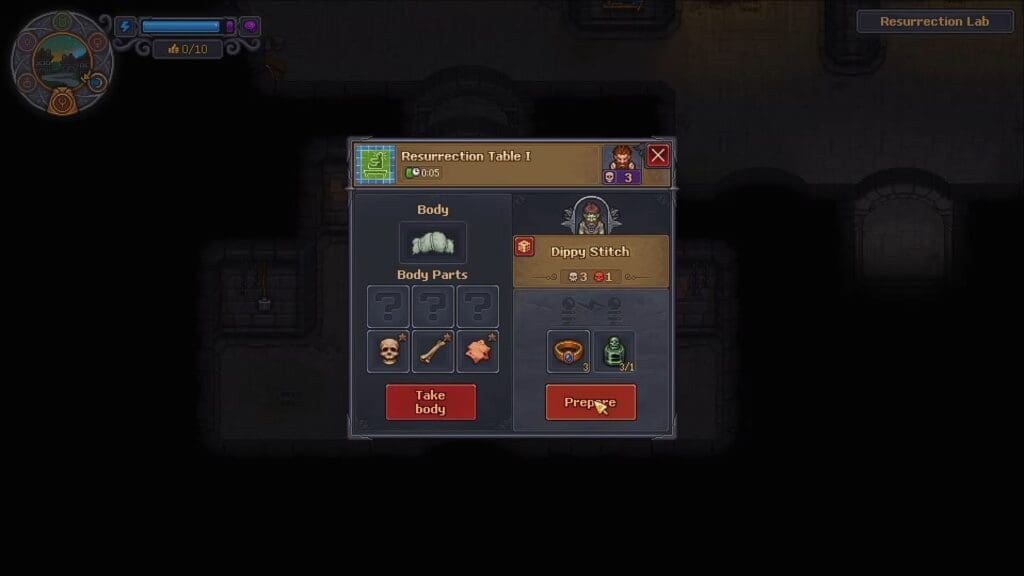
Add a zombie corpse to the table, then click on it and add the zombie collar in the Prepare section. Click on Prepare after that, then wait for any weather event that offers Lightning. Then, quickly make your way back to the resurrection chamber, interact with the table in the middle, and select the Resurrect option to add another zombie to your team.
FAQs
What’s the max number of zombies I can create in the demo?
You can have up to 3 extra zombies in the demo via resurrection, but you can only create 1 zombie per week.
How do I increase Skill Points for zombies?
Keep them working in their respective workbenches, after which they can increase their skill points and work on more complicated tasks.
Where can I use the skill points that the zombies earn?
If you select a zombie, this will bring up their perk table. You can use your collected skill points to level up their Perks or Character skills to make them better workers.
Are there any other use for zombies?
So far, they can be placed at your workbenches as workers, but they might also have some use in combat. Since this is just the demo, there isn’t a lot of information on other uses for zombies.
