
Key Points
- Press X to enter Edit mode and press the Delete key to remove items.
- This applies to all items purchased from the construction menu.
- You will get the money refunded from the sold items to help you purchase new items.
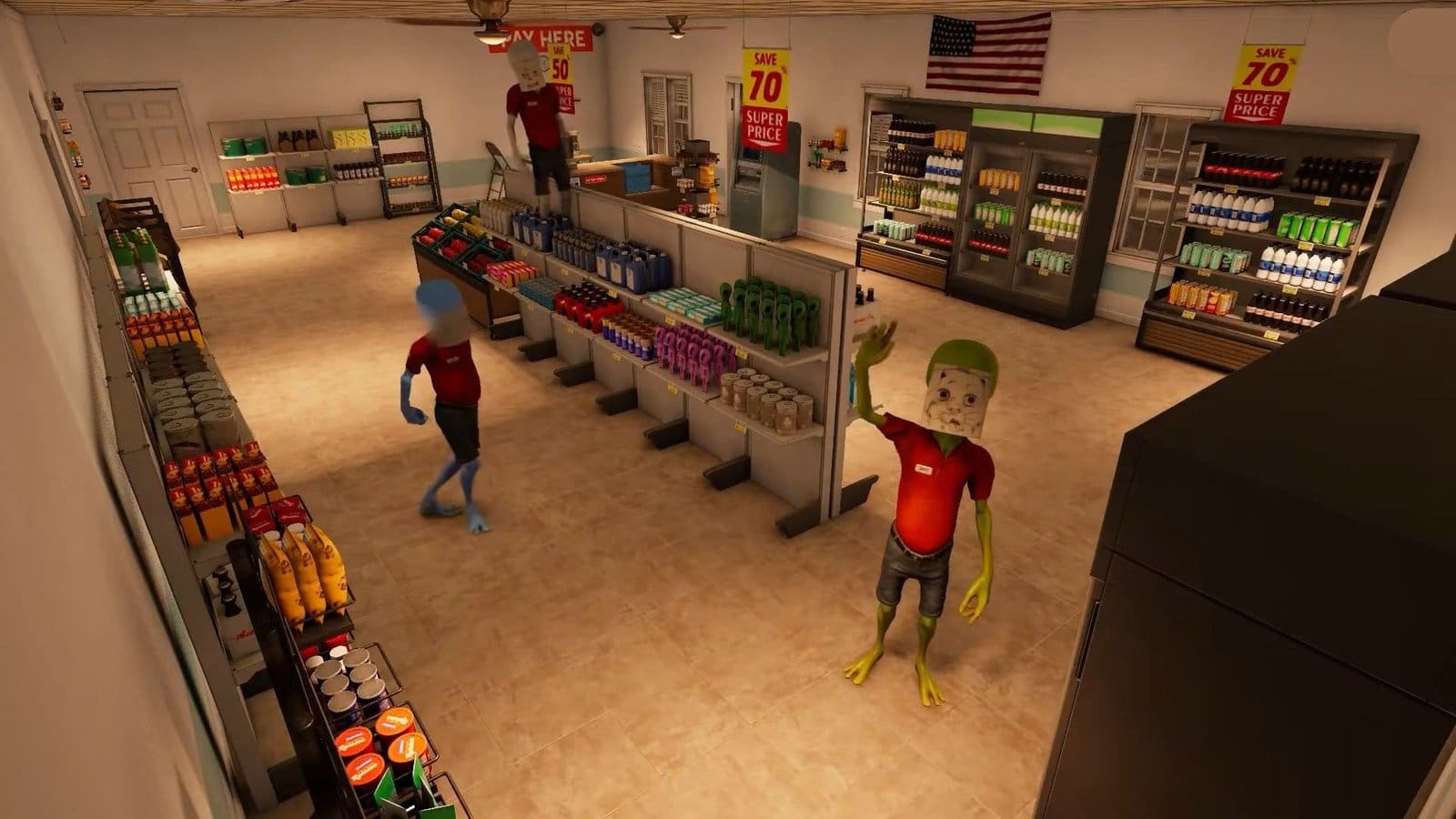
Roadside Research lets you control a gas station convenience store as an alien. While studying humans, you also need to learn how to stock up on essential items and run your store efficiently. Once you expand your store, you need to make space for new furniture items by selling them.
Read More: Roadside Research – How to Get on the Roof
Roadside Research – Selling Furniture Overview
| How to sell/remove items | Press X while in Edit mode. |
| Items that can be sold | Anything bought from the Construction menu. |
How to Sell Items

- If you check the bottom left corner, you will spot two options: the Construction menu and the Edit menu.
- You can press either Tab for the Construction menu or X for Edit menu.
- If you are heading into the Construction menu, then click on the Edit mode section on the top right corner of the menu.
- Once you enter Edit mode, you need to stand in front of the furniture item you wish to sell.
- Press Delete to sell the item. Be sure you are standing right in front of the furniture to avoid selling the wrong item.
- You will receive a refund in your account once an item is sold.
Read More: Roadside Research – How to Improve Customer Satisfaction
FAQs
I’ve accidentally sold an item that I wanted to keep. What do I do?
Once an item has been sold, you can’t get it back. The only thing you can do is to use the refunded money to purchase the item again.
Can I change the price of my furniture items before selling them?
No, furniture items are fixed price and cannot be changed.
How do I get more furniture items?
You can check the Construction menu by pressing Tab, or get room and furniture expansions from the Upgrades menu.
How do I move or relocate items?
Enter the Edit menu and select the item you wish to move or relocate. You can move the item within the green-marked areas that appear on the ground only.
