
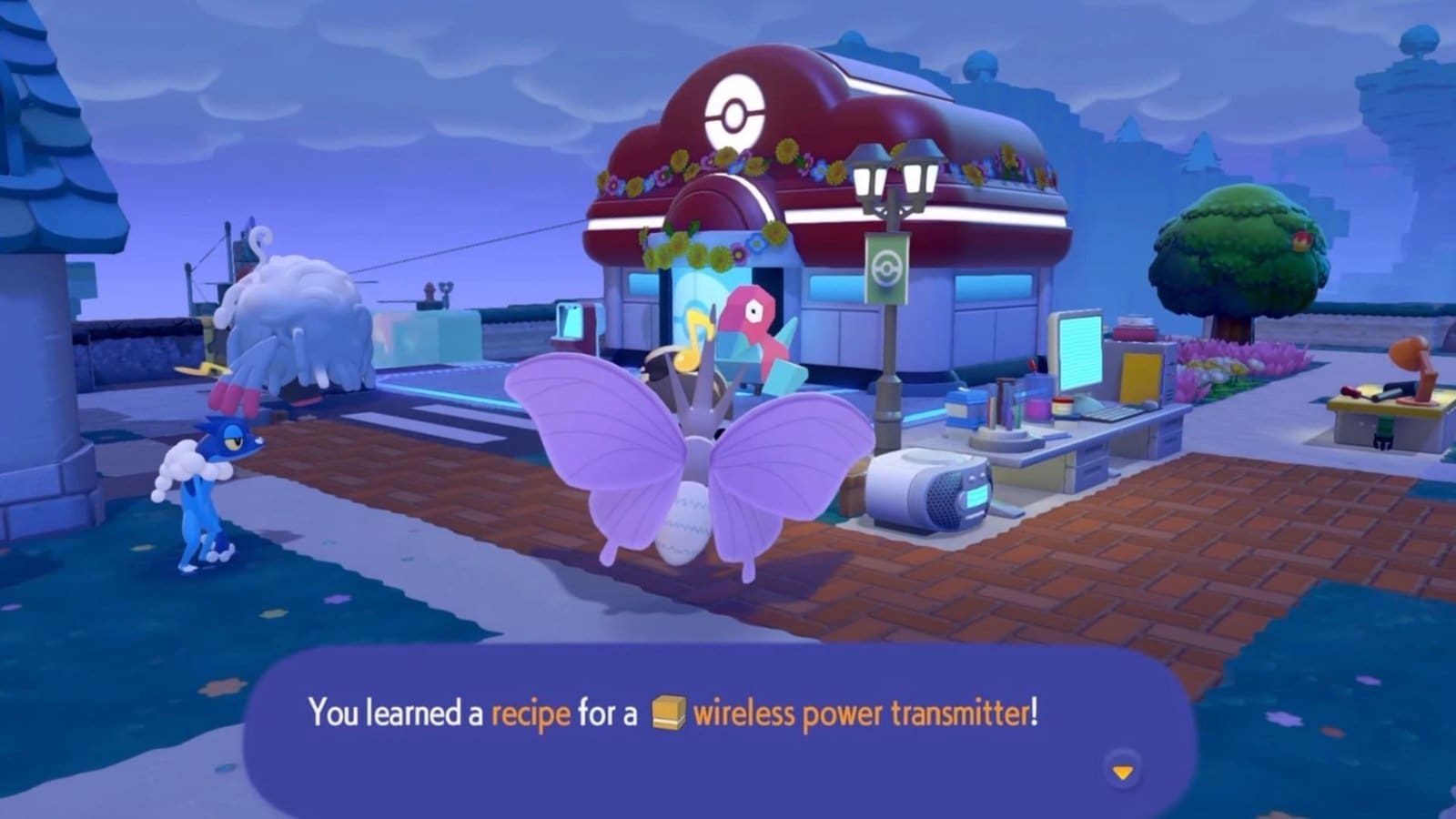
Key Points
- Wireless Power Transmitters are the only way to generate wireless electricity in Pokémon Pokopia.
- You need to complete Porygon’s quest in Sparkling Skylands to obtain the recipe for Wireless Power Transmitters.
- To spawn Porygon, you must build the Researcher’s Desk habitat in the same location.
Utility Poles are a hassle to set up and to generate electricity, particularly because of the wires. Any wire-related problems in Pokémon Pokopia have only one solution: wireless electricity, available only through Wireless Power Transmitters. To unlock the recipe for these Transmitters and bring life to your habitats, follow the guide below.
Read More: Pokémon Pokopia – How To Make Party Platters
Pokémon Pokopia – Wireless Electricity Overview
| Obtained Through | Wireless Power Transmitters |
| Recipe Unlock | By completing Porygon’s quest. |
| Porygon Spawn Requirement | Building the Researcher’s Desk habitat and powering it. |
How to Get Wireless Electricity
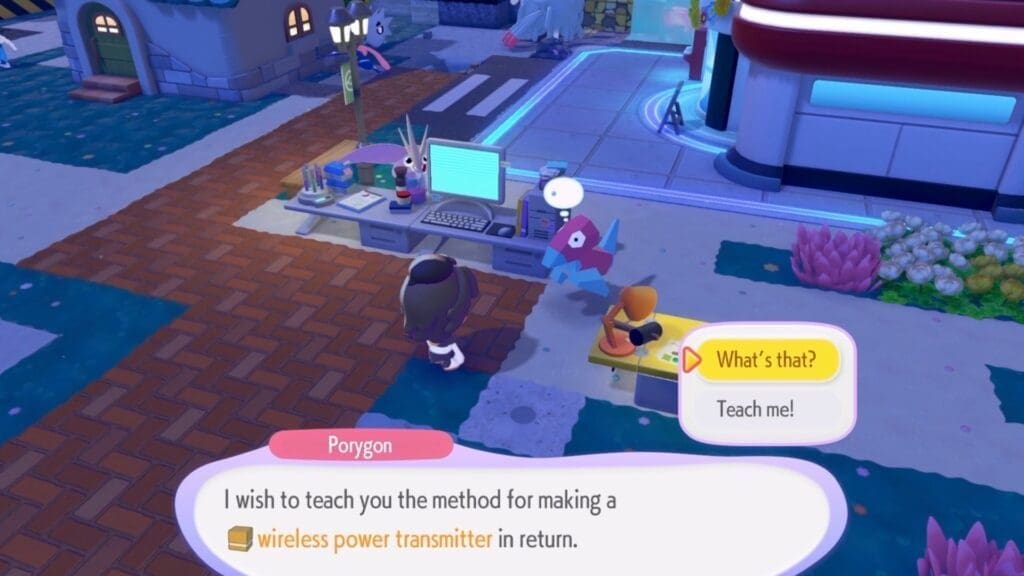
You can get wireless electricity from Wireless Power Transmitters, which costs one Pokémetal, but you need to learn the recipe first. To do that, you must complete Porygon’s request at Sparkling Skylands, one of the last regions in the game. However, Porygon won’t spawn until you build the Researcher’s Desk habitat.
Build the Researcher’s Desk (Porygon’s Habitat) and Power it
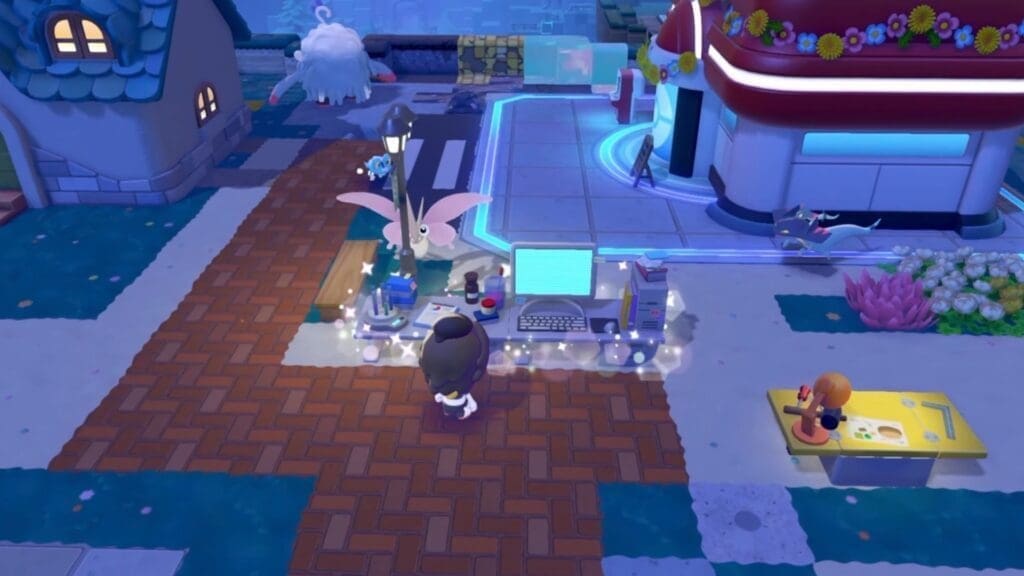
The Researcher’s Desk habitat requires 1x Science Experiment, 1x Computer, and 2x Table (any type) for construction. All of these items are located in different places, which makes this a tedious quest, but one worth doing. Here’s where you need to go:
- Head to the Museum at Rocky Ridges, go through the front door and take a right to reach a room at the end of the hallway. Inside the room, you’ll find a desk with the Science Experiment on it. Alternatively, you can also find another Science Experiment at the back of the huge Skyland Building in Sparkling Skylands.
- Next, head to the far right-hand side of Sparkling Skylands to the east, behind the Silph Co. building. There, you’ll find an entertainment building and a dance floor with a hole in it. Jump down to find the Computer.
- Lastly, create two tables to place the Science Experiment and the Computer on. Power the Computer with any Pokémon with the Generate Specialty.
Build the table beside each other, then place the required materials to build the Researcher’s Desk habitat. Porygon will spawn shortly after. Interact with the Pokémon to receive the quest for crafting a Wireless Power Transmitter for wireless electricity.
Buy a CD Player From the PC Shop and Insert a CD

Next, head to the PC Shop on Sparkling Skylands and scroll down to find a CD Player purchasable for 300 Life Coins. Place the CD Player beside the Computer and the Science Experiment, near Porygon and insert a CD to play music. You can use any CD for this quest.
Now, interact with Porygon again to receive the recipe for a Wireless Power Transmitter. With this, you can get wireless electricity all around your habitats without worrying about messy wires. Ensure that you have the required Pokémetal to craft these Transmitters.
Read More: Pokémon Pokopia – Where To Find a Control Unit
FAQs
How do I get Pokémetal in Pokémon Pokopia?
You can burn Pokémetal Fragments in a Smelting Furnace via a Pokémon with the Burn Specialty to obtain Pokémetal. Pokémetal Fragments are found inside Pokémetal Blocks found on Withered Wasteland and Sparkling Skylands.
How do I turn on the Wireless Power Transmitter?
You can turn the Transmitters on by placing a Wireless Power Transmitter Switch near them. You’ll obtain this recipe from Porygon after completing the quest mentioned above.
How do I power the Wireless Power Transmitter?
You need a Generator near the Transmitters to power them. Any type of Generator, such as the Mini, the Windmill, the Furnace or the Waterwheel, will work.
Can I place the Wireless Power Transmitter anywhere I want?
Yes, you can place the Transmitters anywhere you want around your habitat. You can even place them underground to keep them hidden and decorate your habitat freely.
